
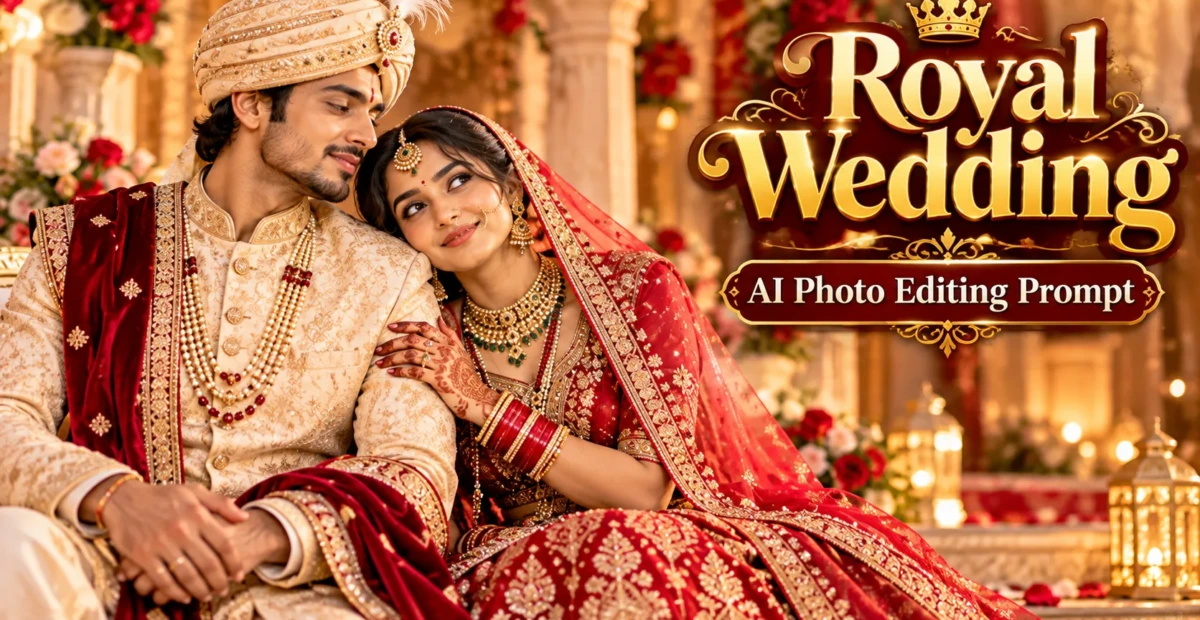
Royal Wedding AI Photo Editing Prompt for Indian Couple Photos
 By Sudip Jana
0 Comments
Couple Onam AI Photo Editing Prompts 2026
Onam is a beautiful celebration of Kerala’s culture, traditions, and togetherness. From elegant kasavu sarees and traditional mundus to colorful pookalams and peaceful backwater scenery, the festival offers plenty of inspiration for memorable couple portraits.
If you want to create festive couple photos without arranging a professional photoshoot, AI photo editing can help. With detailed Couple Onam AI Photo Editing Prompts 2026, you can transform your existing portraits into romantic festival-themed images while preserving your recognizable facial features.
This guide includes two ready-to-use prompts featuring traditional Kerala outfits, warm lighting, and festive surroundings. You can use them to create social media portraits, digital greetings, or personal keepsakes.
1. Traditional Kerala Onam Couple Portrait
Create an elegant festive portrait featuring a couple in traditional Kerala clothing. A white-and-gold kasavu saree, a cream traditional mundu, and a colorful pookalam create a classic Onam atmosphere. This prompt works well for a romantic portrait with a natural, candid appearance.
Copy and Paste AI Prompt
Use the uploaded reference photos to preserve the recognizable identity of both people. Create a photorealistic romantic Onam couple portrait in a traditional Kerala setting. Dress the woman in an elegant white kasavu saree with a detailed gold border and traditional gold jewelry. Dress the man in a clean cream or white kurta with a traditional white mundu featuring a subtle gold border. Position the couple naturally beside each other with warm, affectionate expressions and relaxed body language. Add a colorful pookalam made from fresh flower petals in the courtyard of a traditional Kerala home. Use soft natural morning sunlight, realistic fabric textures, authentic skin tones, detailed hair, and natural shadows. Keep both faces recognizable and preserve their original facial features, skin tones, and proportions. Maintain realistic hands, natural poses, balanced composition, and professional portrait photography quality. Use a vertical 4:5 composition suitable for Instagram posts and festive greetings. Avoid distorted hands, incorrect clothing details, artificial skin smoothing, exaggerated jewelry, altered facial identities, and cartoon-like effects.2. Romantic Onam Couple Selfie with a Festive Kerala Aesthetic
If you prefer a modern and casual style, use this prompt to create a natural-looking couple selfie. The combination of traditional festive outfits, soft sunlight, and subtle floral decorations gives the image a warm social media aesthetic without making it look overly staged.
Copy and Paste AI Prompt
Transform the uploaded reference photos into a realistic candid Onam couple selfie. Preserve the recognizable identity, facial features, natural skin texture, hairstyle, and skin tone of both people. Dress the woman in a beautiful white-and-gold Kerala kasavu saree and the man in a traditional white mundu with a cream or light-colored shirt. Place the couple close together in a relaxed front-camera selfie pose with natural smiles and affectionate expressions. Use a traditional Kerala home courtyard as the setting, with a subtle colorful pookalam and a few tasteful Onam decorations in the background. Add soft golden-hour sunlight, warm natural colors, realistic fabric folds, detailed hair, and authentic smartphone photography characteristics. Keep the faces sharp and the background gently blurred. Ensure that the hands, shoulders, clothing, and body proportions look natural. Create a vertical 4:5 composition with a modern, warm, romantic festive atmosphere. Avoid changing facial identity, excessive beauty filters, plastic-looking skin, distorted fingers, unrealistic clothing patterns, oversaturated colors, and artificial-looking backgrounds.Why Use Couple Onam AI Photo Editing Prompts in 2026?
AI photo editing offers a convenient way to explore festive photography ideas using existing pictures. Instead of arranging outfits, decorations, and a location for a new photoshoot, you can experiment with different Onam-inspired visual styles through text instructions.
- Traditional cultural style: Include Kerala clothing, gold borders, floral arrangements, and heritage-inspired backgrounds.
- Personalized couple portraits: Use reference photos to guide the appearance and composition of the generated image.
- Creative backgrounds: Experiment with pookalams, traditional courtyards, tropical greenery, and warm festive lighting.
- Social media content: Create portraits suitable for Instagram posts, stories, WhatsApp status updates, and digital greeting cards.
- Flexible editing: Refine poses, lighting, backgrounds, and composition by adjusting the prompt.
How to Apply Couple Onam AI Photo Editing Prompts
You can use these prompts with an AI image editor that supports reference-photo uploads and text-based editing. Follow this simple workflow to get started.
Choose Your Reference Photos
Select clear, well-lit portraits of both people. Photos with visible facial features and minimal filters are useful when you want the AI to preserve your recognizable appearance. You can use separate photos if you do not already have a couple picture together.
Upload the Images and Paste a Prompt
Open your preferred AI editing platform, upload the reference images, and paste one of the prompts above. Choose the traditional portrait prompt for a classic festive look or the selfie prompt for a casual, modern result.
Review and Refine the Image
Check whether both faces, clothing, hands, and shadows look natural. If the AI changes facial features or produces incorrect garment details, refine the instructions and generate another version.
Save the Final Portrait
Once you are satisfied with the result, save the image at a suitable resolution. If you want to add a Malayalam greeting such as “ഓണാശംസകൾ” or the words “Happy Onam 2026,” add the text afterward using a graphic design editor for better control over typography.
Choosing the Best Reference Photos for Realistic Results
The quality of your reference images can influence the final result. Keep these practical tips in mind when preparing your photos.
- Use sharp facial details: Avoid blurry or very low-resolution images.
- Choose balanced lighting: Natural daylight or soft indoor lighting helps show facial details clearly.
- Avoid heavy filters: Original photographs provide a more reliable reference for facial features and skin tone.
- Keep faces unobstructed: Sunglasses, large hats, and hands covering the face can make identity preservation more difficult.
- Use compatible reference images: Similar lighting and camera angles may help the AI create a more consistent composition.
Tips for Better Onam Couple AI Photos
- Describe traditional clothing clearly: Mention a white kasavu saree with a gold border and a traditional white mundu when those details matter.
- Prioritize facial identity: Ask the AI to preserve the original facial structure, skin tone, and recognizable features of both people.
- Keep poses simple: Standing together, holding hands, or taking a relaxed selfie can help reduce unnatural hand positions.
- Use realistic decorations: A pookalam and a few traditional details can create a festive atmosphere without overcrowding the image.
- Control the lighting: Soft daylight or warm golden-hour light usually complements traditional clothing and floral decorations.
- Select the right aspect ratio: A vertical 4:5 composition works well for feed posts, while 9:16 is useful for stories and reels.
Frequently Asked Questions
Can long-distance partners use these Onam AI prompts?
Yes. If your AI editor supports multiple reference images, you can upload separate portraits of both people and ask it to create one festive couple composition. Results may vary depending on the tool and the quality of the reference photos.
Can I use these prompts with a free AI tool?
You can try them with a tool that offers image editing or reference-image generation. Free access, available features, and usage limits vary by platform and can change over time.
How can I add Malayalam Onam greetings?
Generate the portrait without text first, then add “ഓണാശംസകൾ” or “Happy Onam 2026” using a graphic design editor. This gives you more control over the font, placement, and spelling.
How can I make the generated faces look more realistic?
Use clear reference photos and explicitly ask the AI to preserve both people’s original facial features, skin tones, and proportions. Review the output carefully because reference-based editing cannot guarantee a perfect match.
Conclusion
Couple Onam AI Photo Editing Prompts 2026 offer a simple way to create festive couple portraits inspired by Kerala’s traditions. Whether you prefer an elegant kasavu portrait or a relaxed couple selfie, the right prompt can help you explore different styles while keeping the focus on your relationship and the festive atmosphere.
Start with clear reference photos, choose one of the two prompts, and refine the result until the faces, clothing, and lighting look natural. You can then share your finished portrait as a festive social media post or a personalized Onam greeting.
Happy Onam 2026!