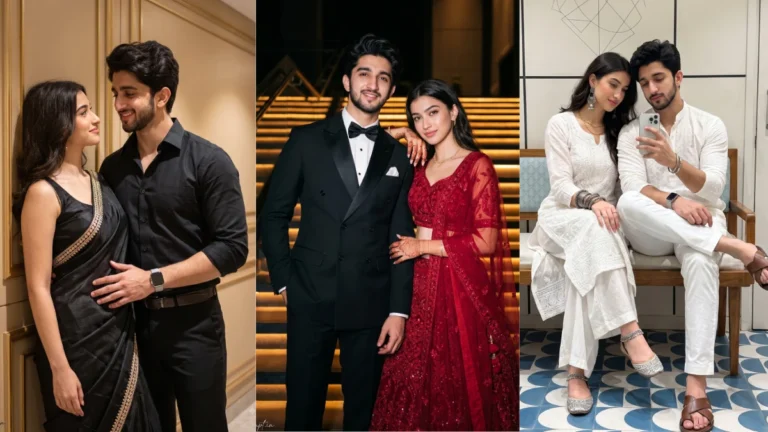

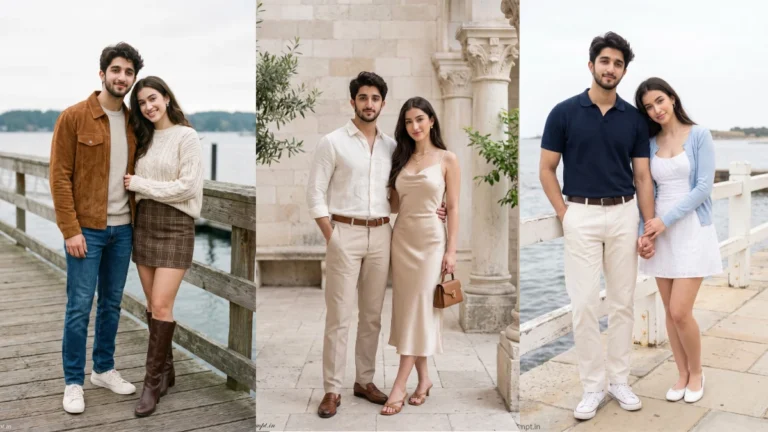
Romantic couple portraits often work best when they look like a moment rather than a formal pose. Decide what kind of connection you want to show: a quiet conversation, a shared walk or a playful smile. The reference photographs should clearly show both people. Ask the editor to preserve each person’s identity separately, because a combined prompt can sometimes make faces look too similar or change small distinguishing features.
Choose a Couple Mood Before Editing
Location helps tell the story. A flower garden gives a soft and cheerful mood, a café window feels intimate, and a rooftop at sunset creates a more cinematic atmosphere. Choose clothing that belongs naturally in that environment. Coordinated colours can make the couple look connected without requiring identical outfits. Keep the background slightly blurred so the expressions remain easy to see.

Try this scene with your own reference image:
Make the Setting Feel Like a Real Moment
Pinterest-inspired images often use gentle colours, balanced framing and natural light. That does not mean every photograph needs a heavy filter or dreamy haze. Retain skin texture and realistic fabric details. If the editor makes the image too smooth, ask for natural pores and subtle imperfections. A believable photograph with a clear emotional moment will usually feel more appealing than a scene overloaded with effects.
Try this scene with your own reference image:
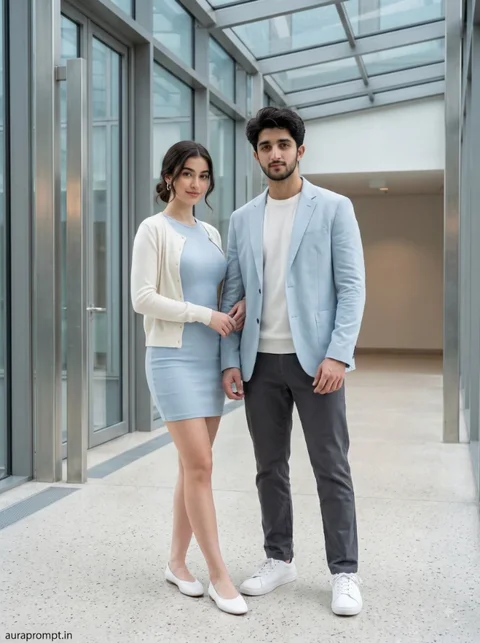
Use Pinterest Styling With Restraint
Before saving, check both faces, the distance between the couple and the placement of their hands. Make sure the pose looks comfortable and that neither person appears to be floating or leaning unnaturally. You can generate a few variations with different backgrounds, but keep the same identity instruction. Choose the image that feels closest to the couple’s real personality.
Try this scene with your own reference image:
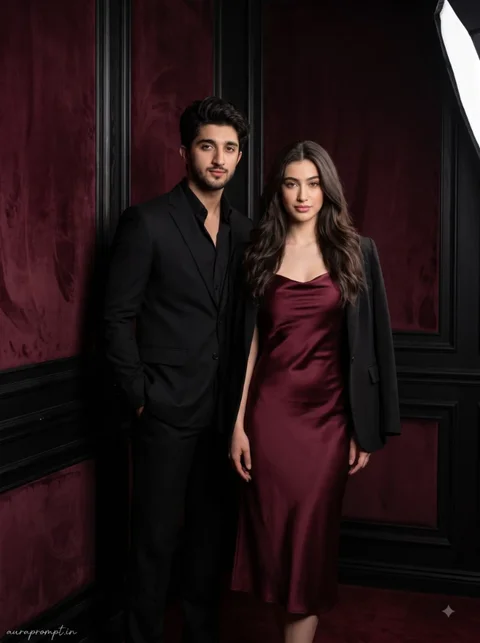
For a more personal Pinterest collection, think of the three scenes as different memories rather than three versions of one pose. One can feel playful, another quiet and the last cinematic. Keep the colour palette connected so the images look good together when viewed as a set. Small differences in location and body language will make the collection more interesting.
How to Use These Prompts
- Open Google Gemini or ChatGPT.
- Upload a clear, well-lit photo.
- Copy the prompt above and paste it into the chat.
- Send it and wait a few seconds.
- Run it 2 to 3 times for the sharpest result.
Prompt Tips
- Use a clear photo with soft, natural light.
- Edit outfit or accessory details to match your style.
- If the face looks off, add "preserve facial identity 100%" at the start of the prompt.