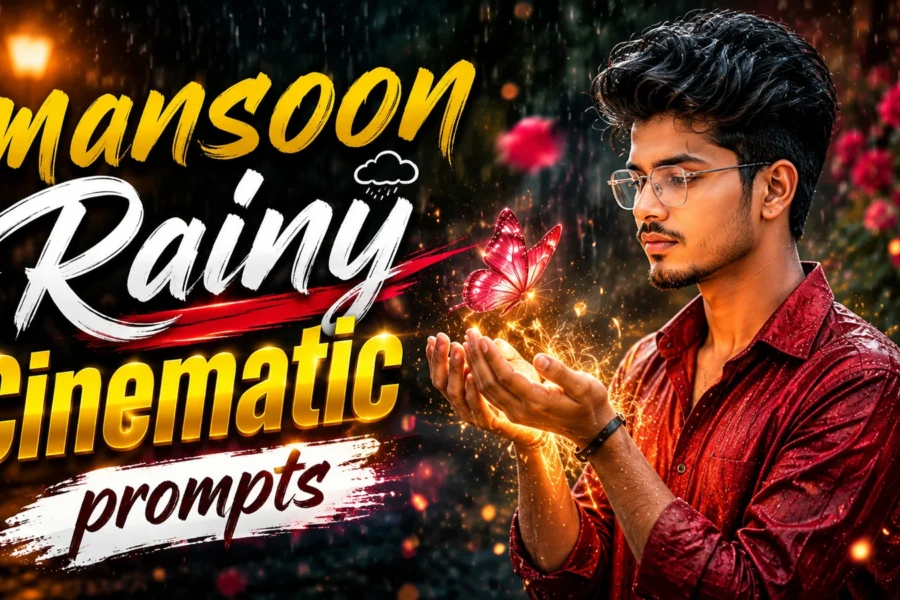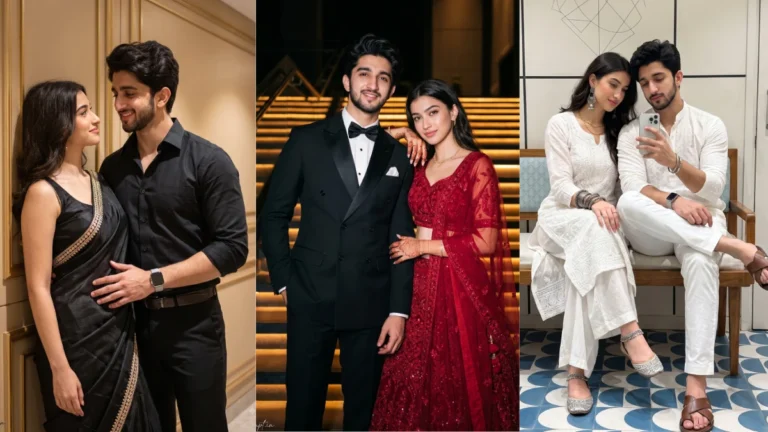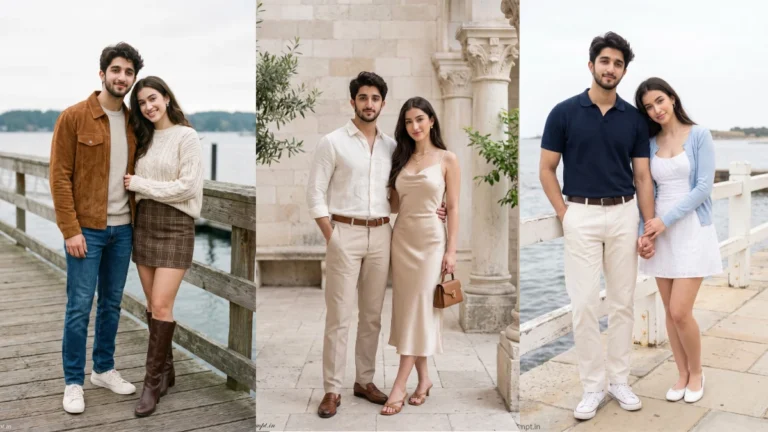

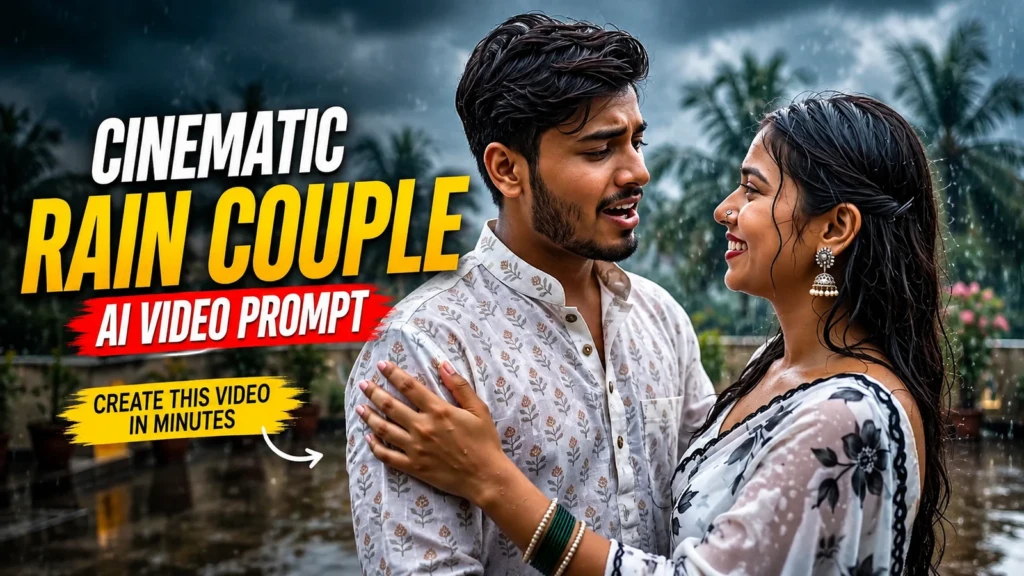
Scroll through Instagram Reels or YouTube Shorts for just a few minutes, and you’ll notice a new trend that seems impossible to ignore. Couples dancing under heavy rain, cinematic slow-motion scenes, emotional eye contact, realistic water splashes, and movie-like camera movement are suddenly appearing everywhere. At first glance, many people believe these clips were filmed with expensive cameras and a professional production team. The surprising truth is that most of them are created with AI.
Over the past few months, AI video generation has taken a huge leap forward. What once looked robotic and unrealistic has now become incredibly lifelike. Today’s AI models can understand detailed scene descriptions, realistic lighting, human emotions, camera angles, and even the natural movement of clothes in the wind. Because of this, creators can transform a simple photo into a cinematic short film that looks like a scene from a Bollywood romance.
One trend, however, is attracting more attention than almost any other—the Cinematic Rain Couple Video. It combines romance, monsoon vibes, dramatic lighting, and emotional storytelling into a short video that instantly captures attention. Whether you’re a content creator, a social media enthusiast, or simply someone who enjoys experimenting with AI, this trend is worth exploring.
In this guide, you’ll discover why everyone is talking about this trend, how it works, how to get the most realistic results, and the exact prompt that can help you create a stunning rain romance video.
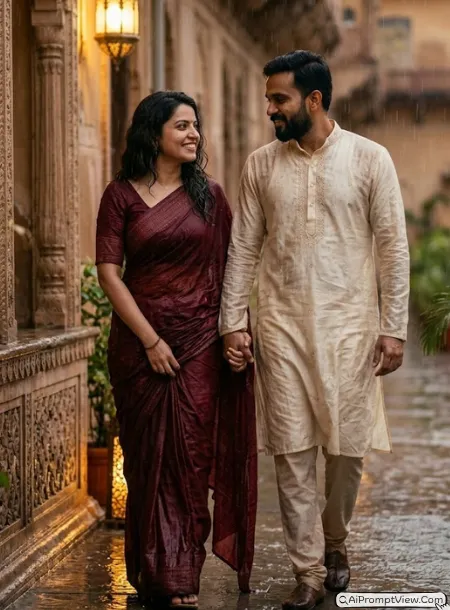
Why This AI Video Trend Is Going Vira
Not every AI trend survives for long. Some become popular for a few days before disappearing, while others continue growing because people genuinely enjoy watching them. The cinematic rain couple trend belongs to the second category.
Rain naturally creates emotion. It adds movement, reflections, soft lighting, and a romantic atmosphere without needing complicated visual effects. When AI combines these elements with realistic facial expressions and smooth camera motion, the result feels surprisingly close to a professionally filmed movie scene.
Unlike flashy edits that rely on dozens of transitions, this trend focuses on simplicity. Two people smiling, dancing, or walking together in the rain can create a much stronger emotional connection than a heavily edited montage.
That’s one of the biggest reasons these videos receive high watch time and are shared so frequently across social media platforms.
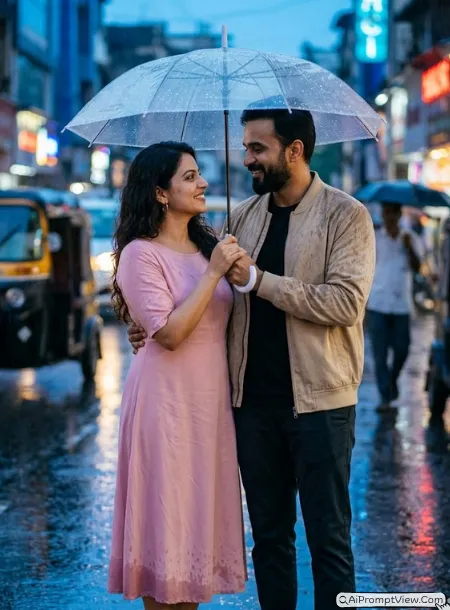
What Makes These Videos Look So Real?
Many people ask the same question after watching one of these clips:
“Is this actually AI?”
The answer is yes—but modern AI works very differently from earlier versions.
Instead of generating random animations, today’s AI models understand how rain interacts with clothing, how light reflects on wet surfaces, and how human expressions change naturally while moving. Small details such as hair movement, water splashes, fabric physics, and realistic shadows make a huge difference.
Professional color grading also plays an important role. Warm skin tones combined with cool rainy backgrounds create a balanced cinematic look that immediately feels premium.
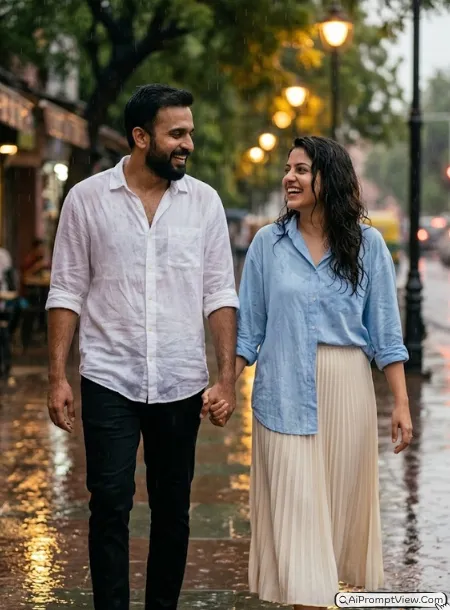
Why People Love Rain Romance Videos
There is something universally relatable about rain. It reminds people of memories, emotions, old movies, and meaningful moments with loved ones.
That’s why rain has always been a favorite setting in cinema.
When AI recreates that atmosphere with realistic visuals, viewers don’t just watch the video—they experience the emotion behind it.
This emotional connection is exactly what keeps people watching until the final second, which is one of the reasons these videos perform so well on Instagram Reels, Facebook Reels, TikTok, and YouTube Shorts.
Best AI Tools for Creating Cinematic Rain Videos
Several AI platforms now support high-quality video generation. While each tool has its own strengths, the most important factor isn’t the software—it’s the quality of your prompt and source image.
Some of the most popular choices include:
- Google Flow
- Google Gemini
- OpenAI Sora (where available)
- Kling AI
- Hailuo AI
- PixVerse AI
No matter which platform you choose, using a clear, detailed prompt dramatically improves the final output.
How to Use These Prompts
- Open Google Gemini or ChatGPT.
- Upload a clear, well-lit photo.
- Copy the prompt above and paste it into the chat.
- Send it and wait a few seconds.
- Run it 2 to 3 times for the sharpest result.
Prompt Tips
- Use a clear photo with soft, natural light.
- Edit outfit or accessory details to match your style.
- If the face looks off, add "preserve facial identity 100%" at the start of the prompt.