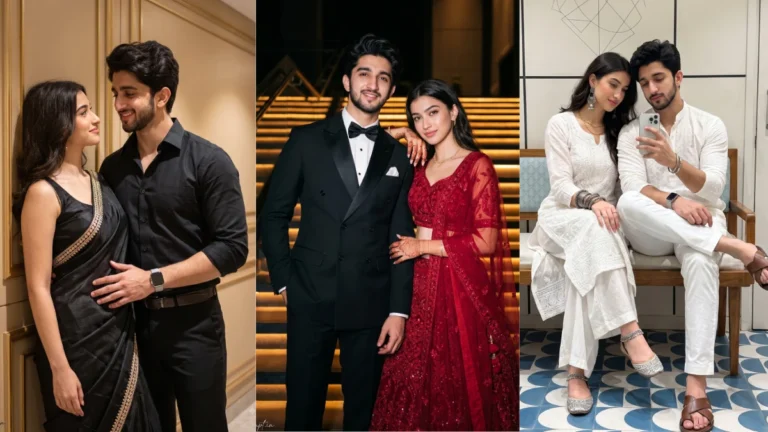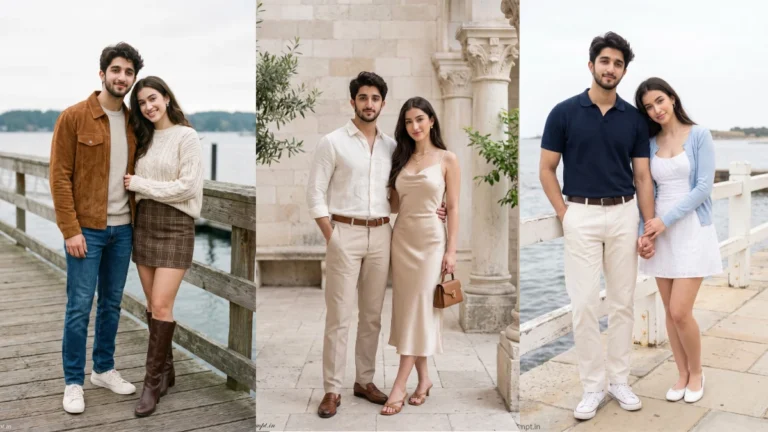


Some photos look beautiful because of the outfit. Others stand out because of the location. But golden hour portraits have something different—the warm sunlight, glowing background, soft shadows and natural colors can turn a simple portrait into something that feels cinematic.
That is exactly why the Golden Hour Photo Prompt style is worth trying in 2026. You can take an ordinary portrait and use an AI image tool to recreate it as a premium garden photoshoot featuring sunset lighting, flowers, palm trees and professional DSLR-style depth.
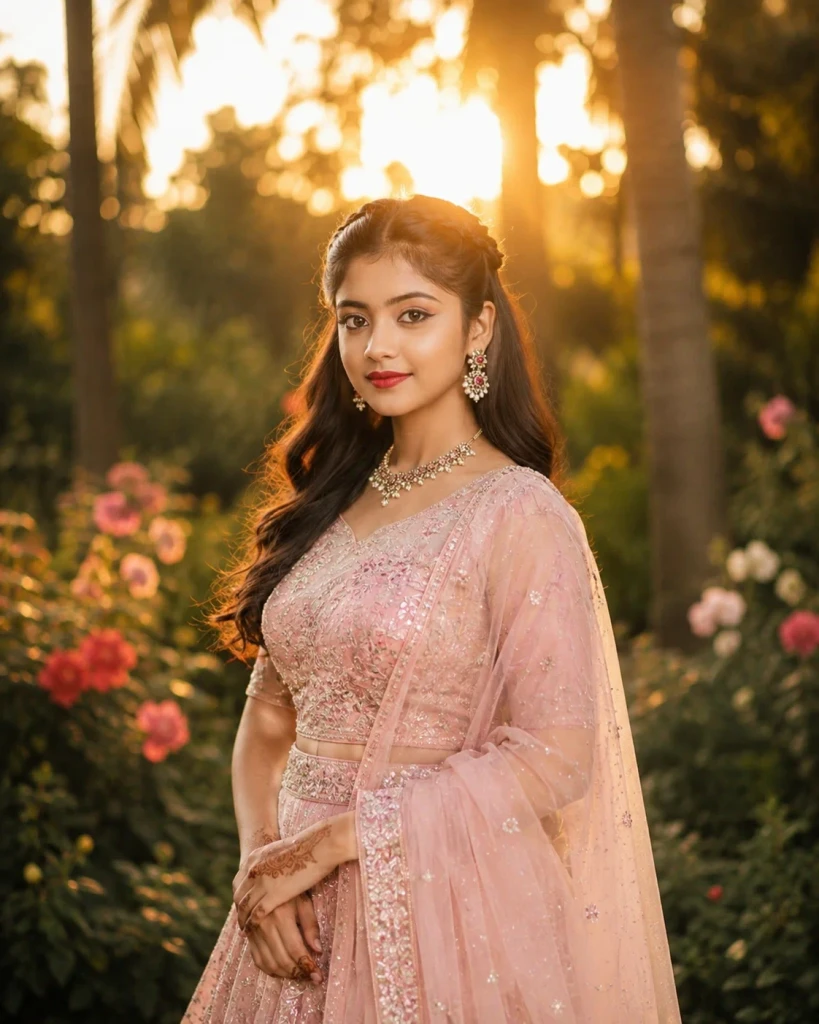
The best part is that this style works equally well for boys, girls and couples.
In this guide, I’m sharing 5 Golden Hour Photo Prompts along with a simple method for using your own reference photo.
What Is the Golden Hour Photo Trend?
Golden hour is the period around sunrise or sunset when sunlight appears warmer and softer than harsh daytime light.
In portrait photography, this type of lighting can create a warm glow around the subject, softer-looking shadows and attractive backlighting.

The AI version of this idea combines those photography characteristics with detailed prompts. Instead of simply asking an image generator to “make my photo cinematic,” we describe the location, clothes, lighting, camera perspective and background.
For this particular style, we are combining:
- Tropical garden scenery
- Warm sunset backlighting
- White and pastel outfits
- Flowers and greenery
- Natural poses
- Shallow depth of field
- Soft background bokeh
- Editorial portrait photography

The result can resemble a professionally planned outdoor photoshoot when the reference image and prompt work well together.
How to Use These Prompts
- Open Google Gemini or ChatGPT.
- Upload a clear, well-lit photo.
- Copy the prompt above and paste it into the chat.
- Send it and wait a few seconds.
- Run it 2 to 3 times for the sharpest result.
Prompt Tips
- Use a clear photo with soft, natural light.
- Edit outfit or accessory details to match your style.
- If the face looks off, add "preserve facial identity 100%" at the start of the prompt.