
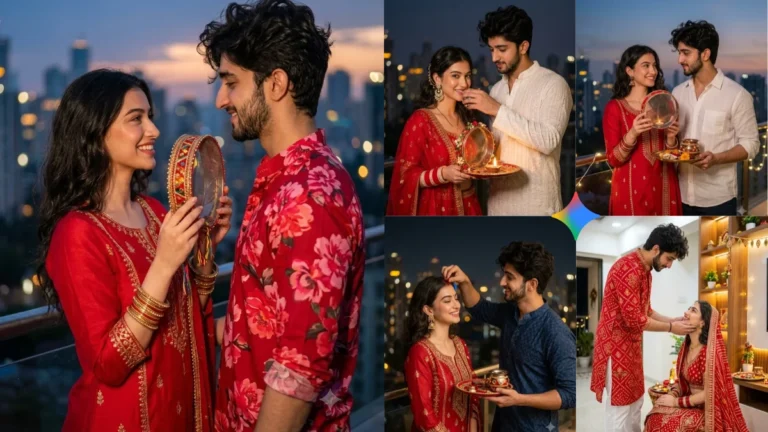
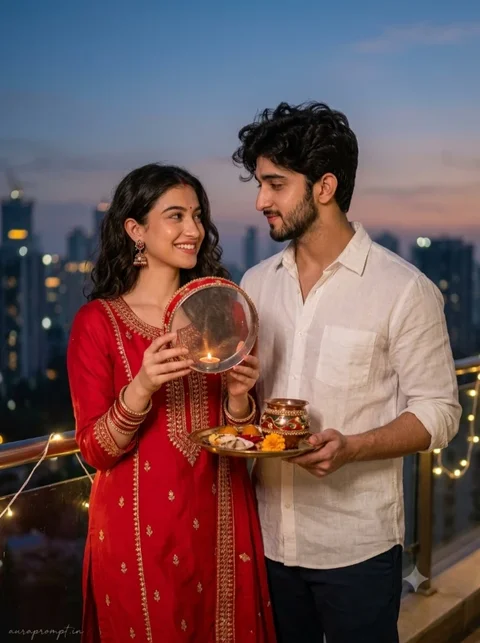
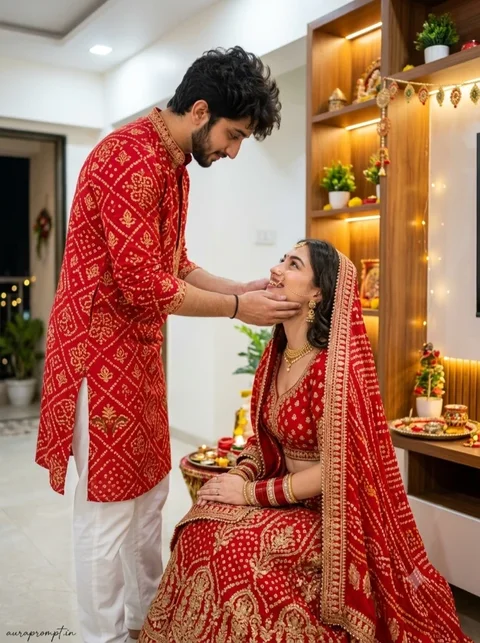
Karwa Chauth photographs are meaningful because they preserve a ritual shared by a couple, not simply a festive outfit. An effective AI edit should therefore show affection and familiar customs without making the scene look staged. A rooftop, decorated thali, sieve, diya and evening sky can establish the occasion immediately. Decide whether you want a quiet intimate photograph or a grand festive portrait before choosing the lighting and camera angle.
Create a Traditional Karwa Chauth Couple Portrait
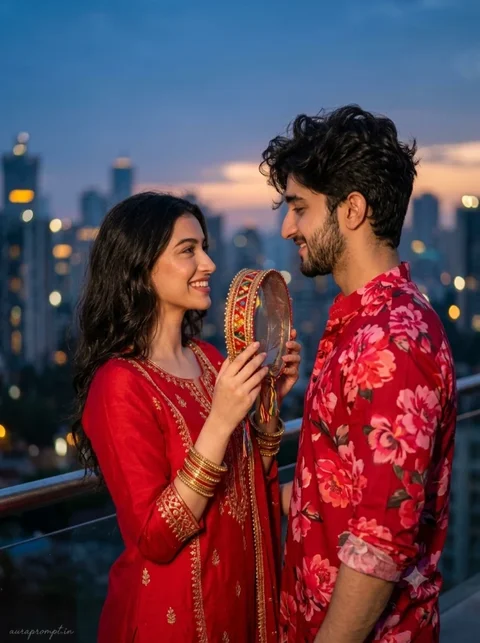
The traditional red outfit is a popular choice, but the styling should suit the reference photograph. Embroidery, bangles, earrings and a neatly arranged dupatta can add detail without hiding the face. For the partner, a cream, ivory or deep-coloured kurta creates a balanced combination. Ask the editor to retain the original facial features, skin tone and hairstyle. This is especially important when editing two people, because AI tools may otherwise blend or alter their identities.
Try this scene with your own reference image:
Capture the Moonlit Ritual
A moonlit scene works best when the faces remain brighter than the background. Warm light from a diya can add a gentle golden highlight, while a cooler blue sky gives the image an evening atmosphere. Keep the ritual objects believable and correctly positioned. If the sieve, plate or hands look unusual, request a correction to that object only. Avoid changing the entire image repeatedly, as this can affect facial consistency and clothing details.
Try this scene with your own reference image:
Choose Details That Feel Personal
Before publishing, check that the image represents the celebration respectfully and that the couple still look like themselves. Compare the result with the reference pictures, especially around the eyes, smile and jawline. A natural expression is often more memorable than an exaggerated romantic pose. Save the version with the clearest faces and most convincing ritual details. You can also create a second crop for a story or profile post without changing the original composition.
Try this scene with your own reference image:
They should appear in the right context and at a realistic scale. If you want a more personal result, use colours that match the couple’s real celebration outfits. Avoid adding extra ceremonial items that were not part of the scene you intend to show.
Make the Final Edit Look Natural
How to Use These Prompts
- Open Google Gemini or ChatGPT.
- Upload a clear, well-lit photo.
- Copy the prompt above and paste it into the chat.
- Send it and wait a few seconds.
- Run it 2 to 3 times for the sharpest result.
Prompt Tips
- Use a clear photo with soft, natural light.
- Edit outfit or accessory details to match your style.
- If the face looks off, add "preserve facial identity 100%" at the start of the prompt.