
Make the Moment Feel Genuine
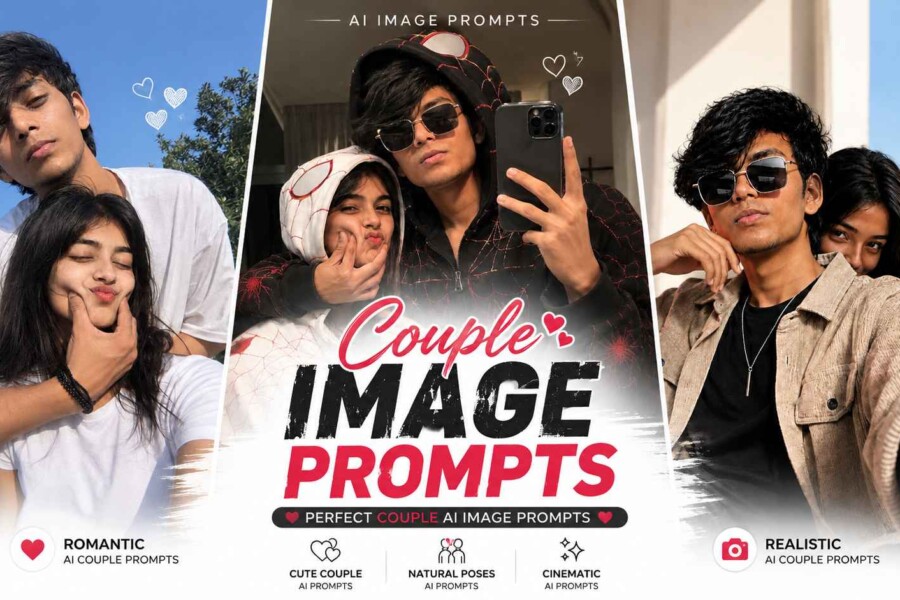
A memorable couple portrait is less about a perfect pose and more about the small interaction between two people. A shared glance, a quiet laugh, or walking side by side can communicate warmth naturally. Choose a scene that suits the mood you want, then describe how the couple relates to each other. This gives the image generator a clearer direction than simply asking for a romantic picture.
Golden-Hour Garden Walk
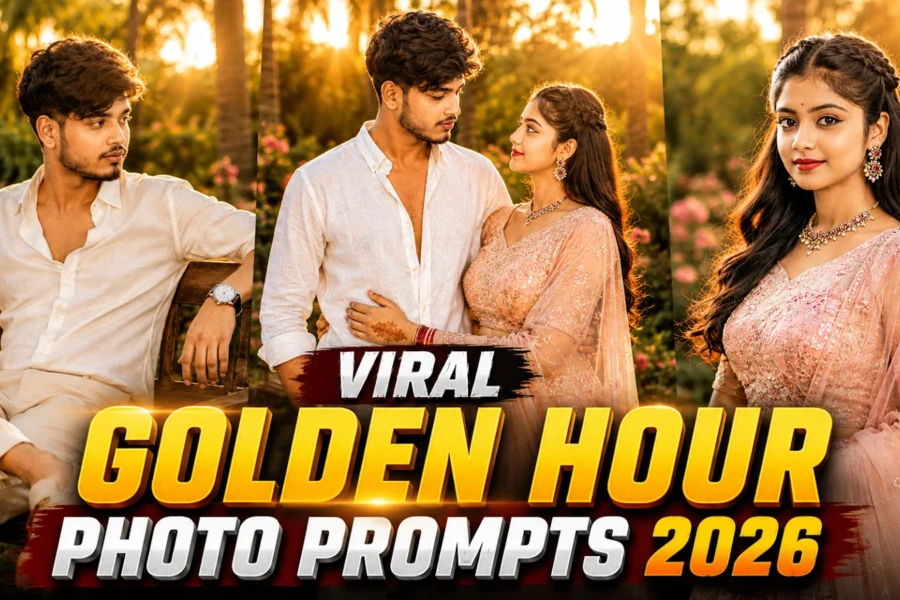
A garden or open walkway works beautifully when soft sunlight filters through trees. Coordinated neutral outfits help the subjects stand out without appearing identical. Ask for relaxed movement, believable hand placement, and a candid expression. The background should remain gently blurred so the couple stays at the centre of the composition.
Golden-Hour Togetherness
Use this prompt for a warm outdoor photograph with a natural, candid feeling.
Urban Evening Romance
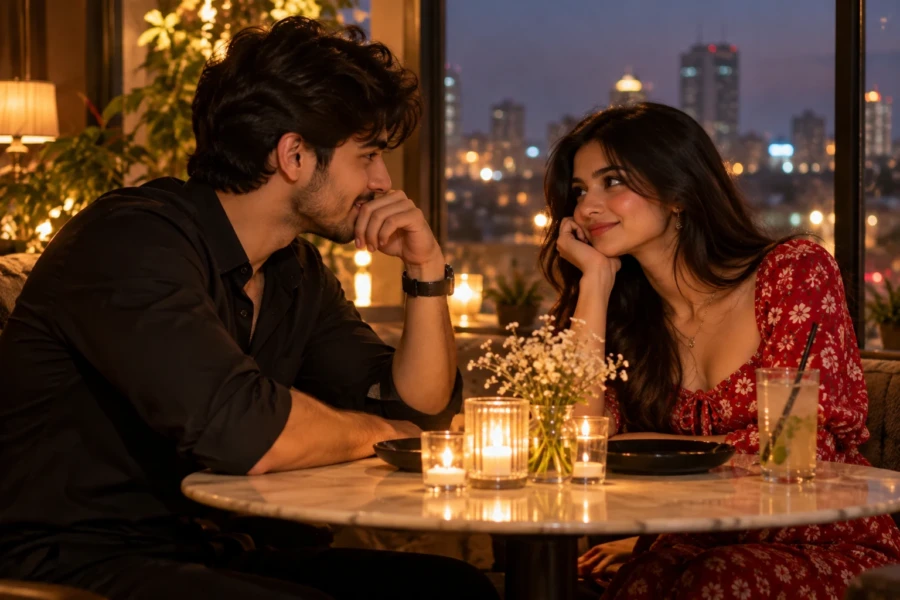
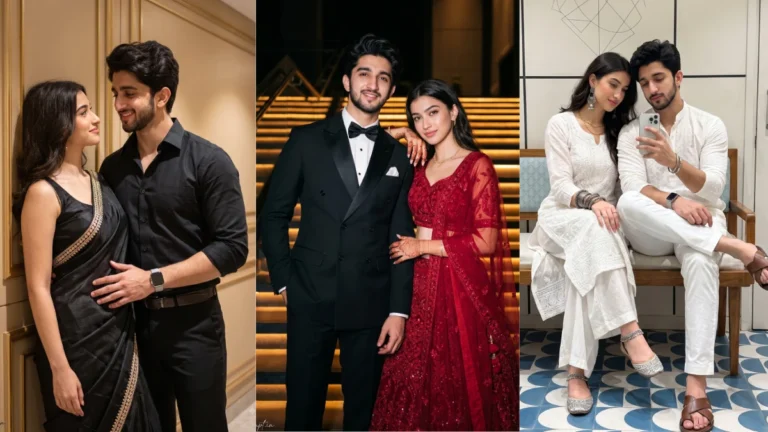
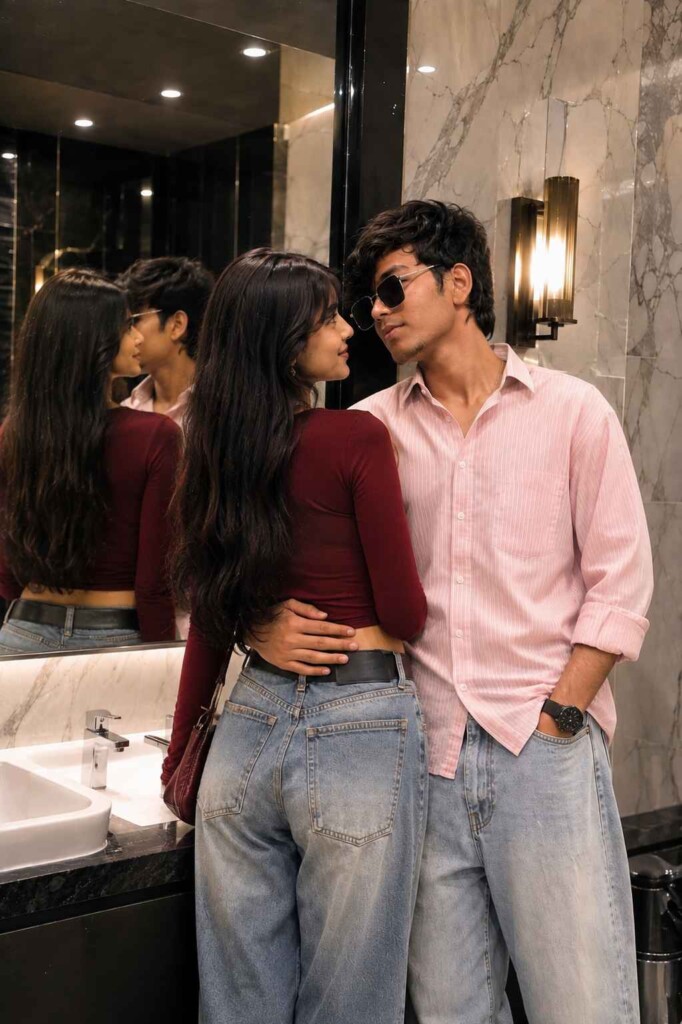
City settings create a more modern atmosphere. Reflections after sunset, warm shop lights, and a quiet street can add depth without turning the scene into a fantasy. Keep the clothing contemporary and the body language comfortable. A medium shot is useful when you want both faces to remain clear while still showing the environment.
City Lights Couple Portrait
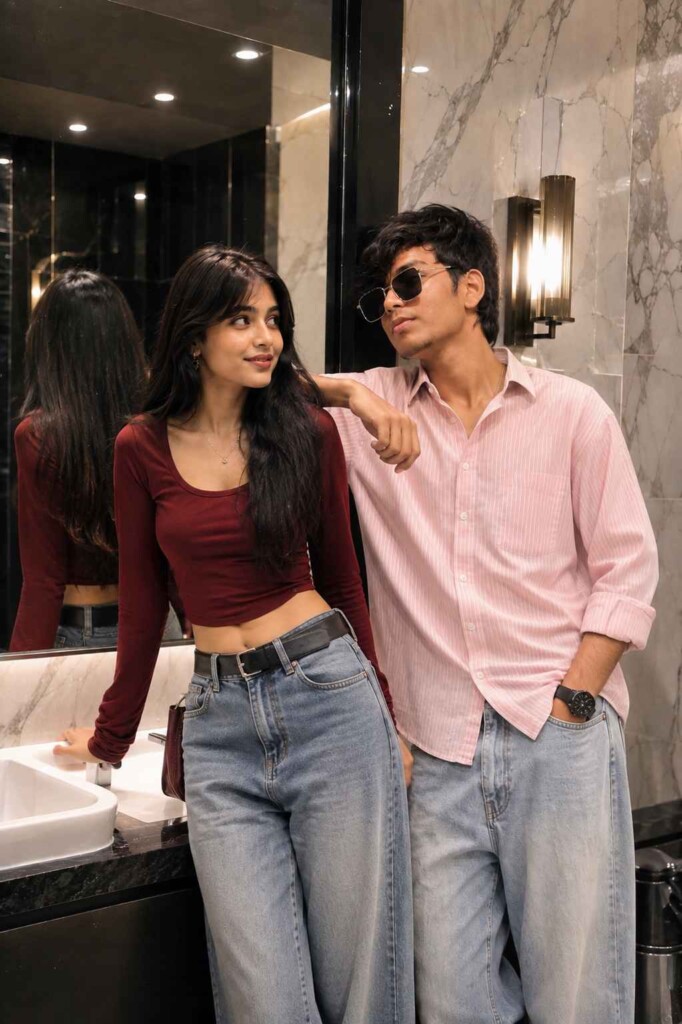
This direction is suited to a cinematic but believable evening photograph.
Create a Personal Variation
Small changes can give a familiar couple-photo concept a fresh result. Try a different season, outfit palette, or location while keeping the interaction simple. For consistent outputs, mention the same camera distance and lighting style in each variation. If you use reference photos, make sure you have permission and use the image tool’s reference controls appropriately.
Quiet Studio Connection
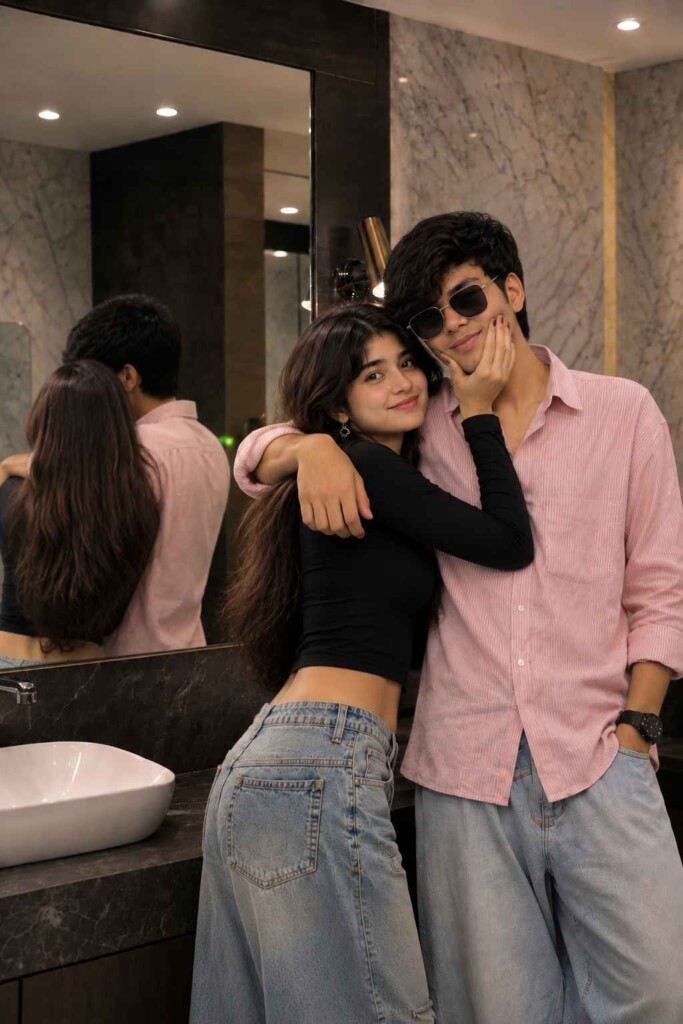
Choose a minimal studio when you want the expressions and styling to carry the image.
How to Use These Prompts
- Open Google Gemini or ChatGPT.
- Upload a clear, well-lit photo.
- Copy the prompt above and paste it into the chat.
- Send it and wait a few seconds.
- Run it 2 to 3 times for the sharpest result.
Prompt Tips
- Use a clear photo with soft, natural light.
- Edit outfit or accessory details to match your style.
- If the face looks off, add "preserve facial identity 100%" at the start of the prompt.