
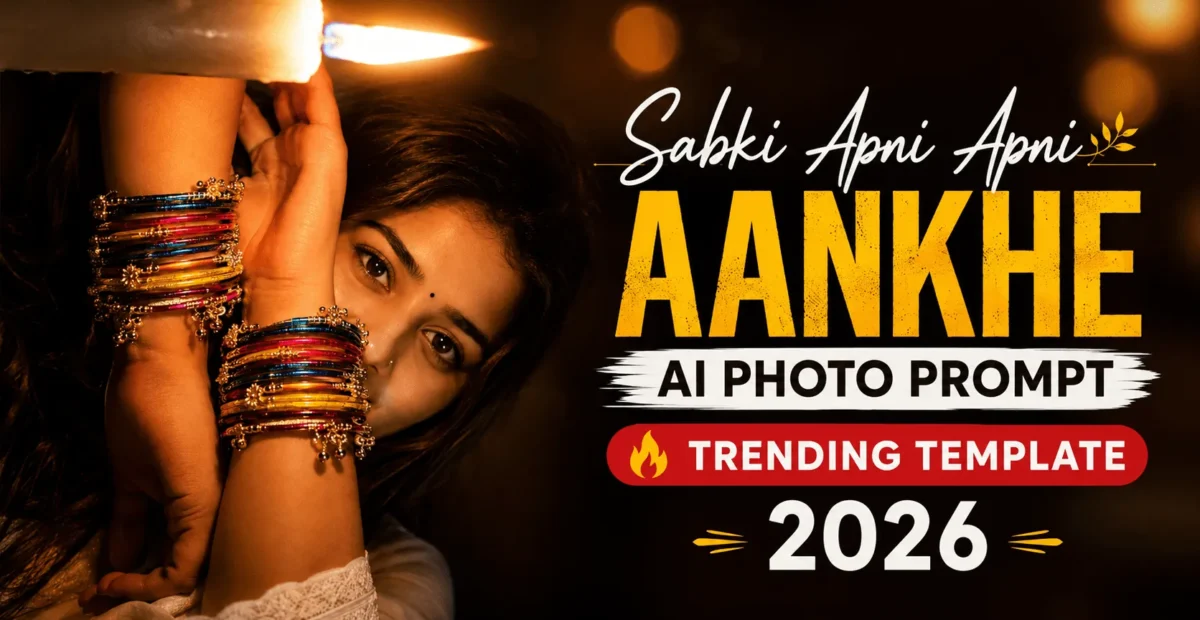
Sabki Apni Apni Aankhe AI Photo Prompt – Trending Template 2026 – The Prompt Baba
 By Sudip Jana
0 Comments
Sabki Apni Apni Aankhe AI Photo Editing Prompts 2026
The Sabki Apni Apni Aankhe AI photo editing trend is a creative way to turn an ordinary portrait into a dramatic close-up focused on the eyes. The style highlights natural eye details, realistic reflections, subtle emotions, and cinematic lighting to create a striking portrait suitable for Instagram Reels, WhatsApp status updates, and profile pictures.
The phrase “Sabki Apni Apni Aankhe” celebrates the individuality of every person’s eyes. With a suitable AI photo editing prompt, you can create an artistic portrait while preserving your original facial features, eye color, and recognizable identity.
Below are two AI prompts inspired by this trend. One creates an intimate rainy-window portrait, while the other focuses on a dramatic, editorial-style close-up. You can use either prompt with an AI image editor that supports uploading a reference photo.
Why Is the Sabki Apni Apni Aankhe AI Photo Prompt Popular?
Eyes can communicate a wide range of emotions, including affection, confidence, sadness, and curiosity. A close-up portrait brings these details into focus, making the image feel personal and expressive.
This editing style also offers plenty of creative possibilities. You can experiment with rainy-window reflections, soft natural light, cinematic shadows, and shallow depth of field without changing the central focus of the portrait.
The key is to balance artistic effects with realism. Preserving the person’s natural eye shape, facial structure, skin texture, and identity helps the final image look more like a photograph than an artificial illustration.
1. Rainy Window Sabki Apni Apni Aankhe AI Prompt
Use this prompt to create an intimate portrait photographed through a rain-covered window. Cool rainy surroundings, warm interior light, and realistic reflections create a soft cinematic atmosphere while keeping the eyes as the main focal point.
Copy and Paste AI Prompt
Use the uploaded reference photo as a strict identity reference. Preserve the person's recognizable identity, original facial structure, eye shape and color, eyebrows, eyelashes, skin tone, hairstyle, and natural skin texture. Create an ultra-realistic vertical 9:16 close-up portrait photographed through a slightly rain-covered glass window. Position the face close to the glass, with both eyes clearly visible and directed toward the camera. Add small realistic water droplets and subtle condensation in the foreground. Keep the expression calm, intimate, and natural. Preserve the original eye proportions while showing realistic iris details, natural catchlights, and subtle reflections of the rainy environment. Use warm interior light on one side of the face and cool blue-gray rainy daylight on the other. Keep the background softly blurred, with subtle distant bokeh lights and no recognizable signs or text. Maintain natural pores, fine facial details, realistic hair strands, and authentic skin tones. Use professional portrait photography, shallow depth of field, and gentle cinematic contrast. The final result should look like a real photograph captured through a rainy window, not a CGI render or illustration. Avoid changing identity, enlarging eyes, altering eye color, excessive skin smoothing, distorted facial features, artificial reflections, or unrealistic water droplets.2. Cinematic Editorial Eye Portrait AI Prompt
If you prefer a clean, dramatic close-up instead of a rainy-window effect, try this editorial-style prompt. It emphasizes the eyes, natural skin texture, controlled lighting, and a softly blurred background for a refined portrait suitable for social media.
Copy and Paste AI Prompt
Transform the uploaded portrait into an ultra-realistic cinematic editorial close-up focused on the person's eyes. Use the uploaded image as the identity reference and preserve the original face shape, eye shape, eye color, eyelids, eyebrows, eyelashes, skin tone, hairstyle, and recognizable facial characteristics. Do not reshape, beautify, or replace the person's face. Frame the face closely in a vertical 9:16 composition, keeping both eyes sharp and naturally proportioned. Show realistic iris patterns, subtle moisture, individual eyelashes, and authentic catchlights without artificially enlarging or brightening the eyes. Use soft directional light with gentle highlights around the eyes and natural shadows across the face. Preserve realistic pores, fine facial texture, and natural imperfections. Keep the background dark and softly blurred to draw attention to the gaze. Apply restrained cinematic color grading, balanced contrast, and a professional portrait photography aesthetic. The expression should feel calm, thoughtful, and emotionally expressive without exaggerated sadness or artificial drama. Produce a high-detail photographic result with natural depth of field. Avoid changed identity, different eye color, oversized eyes, plastic skin, excessive sharpening, heavy makeup, distorted features, cartoon effects, and artificial HDR.How to Use the Sabki Apni Apni Aankhe AI Photo Prompt
You can create this style of portrait using an AI photo editor that accepts reference images and text prompts. Follow these steps to get started.
Choose a Clear Reference Photo
Select a photo in which your face and eyes are clearly visible. Good lighting and a reasonably sharp image help the editor understand the original facial details. Avoid heavily filtered photos if preserving your natural appearance is important.
Upload Your Photo and Add a Prompt
Open your preferred AI image editor, upload the reference photo, and paste one of the prompts above into the editing instructions. Choose the rainy-window prompt for an atmospheric look or the editorial prompt for a cleaner close-up.
Generate and Check the Result
Generate the image and inspect the eyes, facial proportions, skin texture, and lighting. If the AI changes your appearance or makes the eyes look unnatural, revise the instructions to emphasize identity preservation and realistic proportions.
What Kind of Photo Works Best?
A sharp portrait with both eyes visible is usually a good starting point. A front-facing or slightly angled face gives the AI enough detail to reproduce the gaze and surrounding facial features.
Photos with extremely dark shadows, strong beauty filters, or hair covering most of the eyes may be more difficult to edit consistently. If possible, choose an image with even lighting and a clear view of the face.
Which AI Tools Work Best for This Photo Trend?
Choose an AI image editing tool that supports image uploads, reference-based editing, and detailed text instructions. These features are useful when you want to preserve your appearance while changing the lighting, atmosphere, or composition.
- Reference-image editing tools: Useful for applying a new visual style to an existing portrait.
- AI image generators with image guidance: Helpful when you want more control over composition and atmosphere.
- Portrait enhancement editors: Suitable for refining lighting and detail, provided they do not excessively alter facial features.
Results vary depending on the tool, the reference photo, and the prompt. Review the output before publishing, especially if accurate facial identity is important.
Pro Tips for Stunning Eye Portraits
- Prioritize identity: Tell the AI to preserve your original facial features and natural eye color.
- Keep the eyes realistic: Request natural iris patterns, authentic catchlights, and accurate eye proportions.
- Use subtle lighting: Soft highlights and gentle shadows usually look more convincing than extreme contrast.
- Avoid excessive retouching: Natural pores and small imperfections help maintain a photographic appearance.
- Choose the right crop: A vertical 9:16 image works well for stories and reels, while a square crop can suit profile pictures.
- Refine one detail at a time: If the first result is not right, adjust the lighting, background, or reflections without rewriting every instruction.
Common Problems and Quick Fixes
The AI Changes the Original Eyes
Repeat the instruction to preserve the original eye shape, size, color, and natural proportions. Use a clearer reference photo if the eyes are difficult to see.
The Skin Looks Artificial
Ask for natural pores, realistic skin texture, subtle imperfections, and minimal retouching. Avoid instructions that emphasize flawless or plastic-looking skin.
The Lighting Looks Unnatural
Request one consistent light source, realistic shadows, and restrained highlights. For the rainy-window style, keep the warm interior light and cool outdoor light subtle rather than exaggerated.
Frequently Asked Questions
What does Sabki Apni Apni Aankhe mean?
The phrase can be understood as “everyone has their own eyes.” In this photo-editing context, it highlights the individuality and emotional expression of each person’s gaze.
Can I use these prompts with my own photo?
Yes. Use an image editor that supports uploading a reference photo and entering text instructions. A clear portrait with visible eyes is a useful starting point.
How can I keep my natural eye color?
Explicitly instruct the AI to preserve your original eye color and proportions. Check the generated image carefully because some tools may still alter small details.
Which aspect ratio should I choose?
A vertical 9:16 composition is suitable for stories and reels. For a profile picture, a square crop may work better. Choose the format based on where you intend to share the image.
Conclusion
The Sabki Apni Apni Aankhe AI photo editing trend offers a creative way to turn a simple portrait into an expressive, cinematic close-up. Start with a clear reference photo, choose one of the two prompts, and focus on realistic eyes, natural skin texture, and balanced lighting. With a few careful refinements, you can create a distinctive portrait for your social media profile or next post.