

Celebrate the Anniversary With a Personal Scene
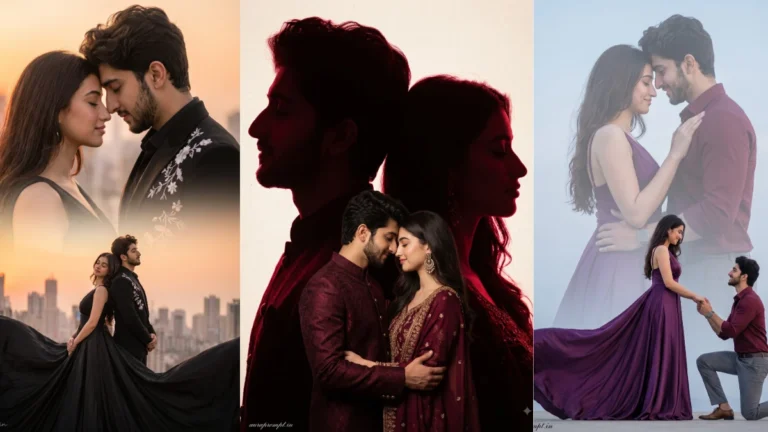
An anniversary portrait should feel connected to the couple’s shared life. Instead of using a generic romantic background, choose a setting that reflects the mood they want to remember. Flowers can suggest a celebration, a candlelit table creates an intimate dinner scene, and a garden at sunset feels timeless. The couple’s expressions should be warm and natural rather than exaggerated.
Try this scene with your own reference image:
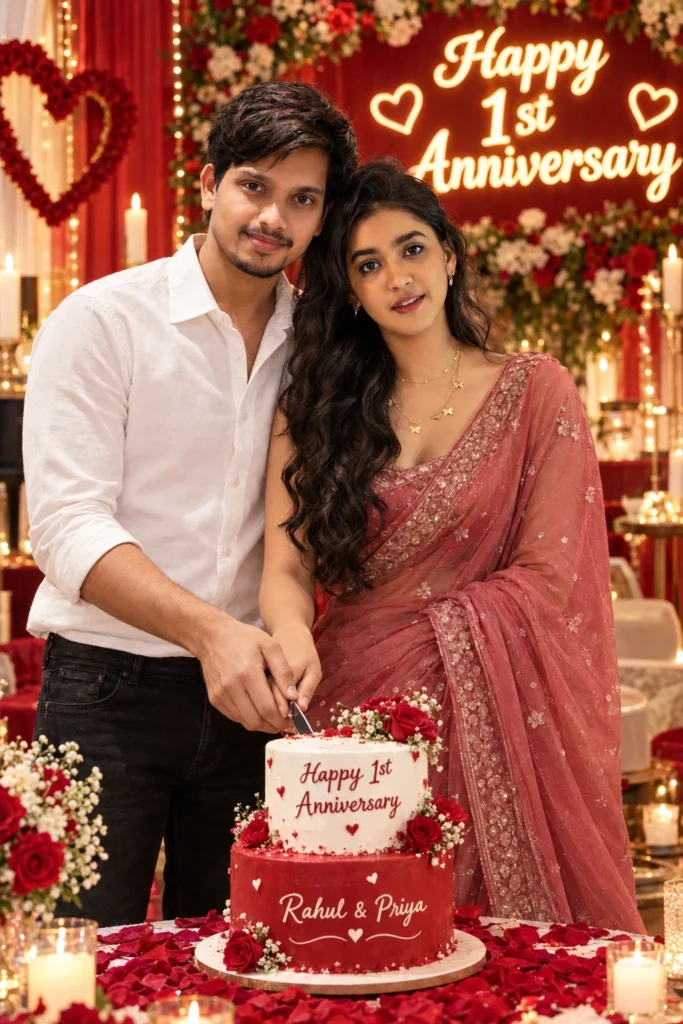
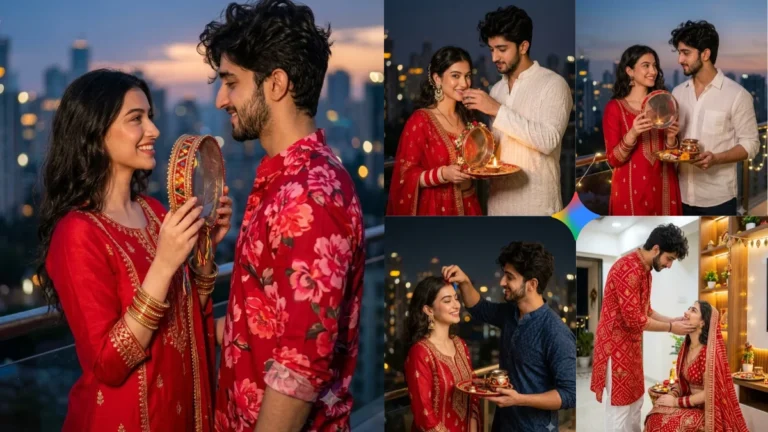
Decorations work best when they support the people. A floral arrangement can frame the portrait without hiding faces, while candles create a soft glow around a dinner table. Keep tableware, flowers and lighting realistic. If the scene includes a ring or another meaningful object, describe its position clearly. Too many decorative items can make the image feel like an advertisement rather than a personal memory.
Use Flowers and Candlelight Thoughtfully
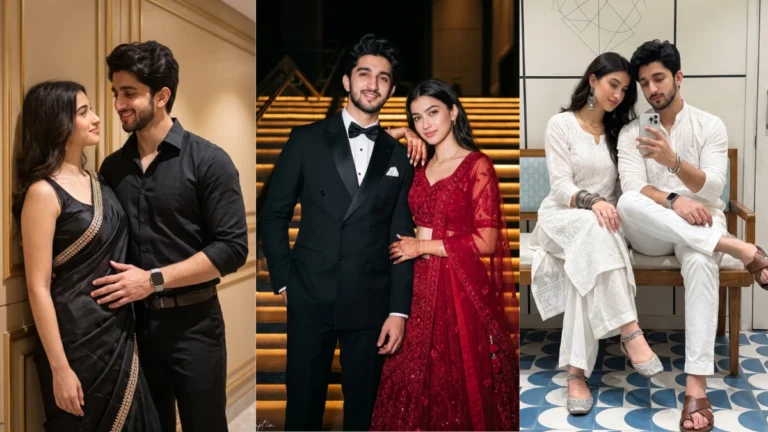
Small gestures often communicate affection more effectively than dramatic poses. Holding hands, leaning gently toward one another or sharing a smile can make the image feel genuine. Ask the editor to preserve both identities and natural body proportions. If the couple is older or the reference photos show a particular age, avoid instructions that unintentionally make them look younger.
Try this scene with your own reference image:
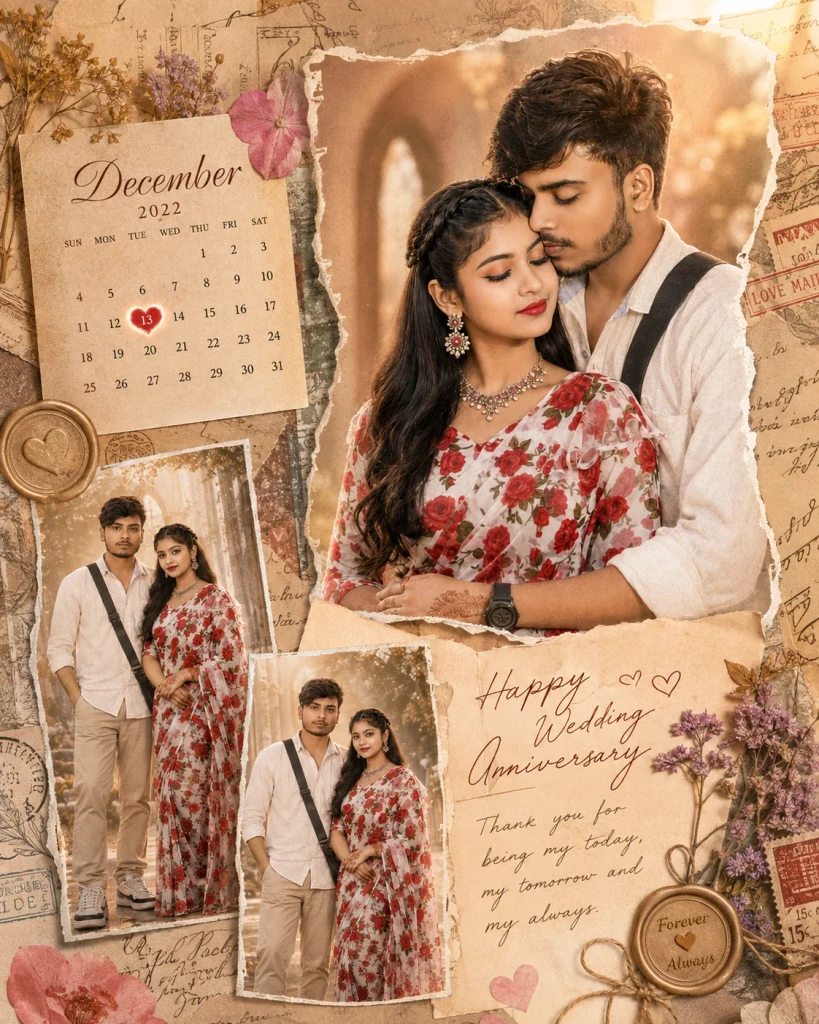
Choose a Pose That Shows Connection
Look at the final image as a memory rather than only a social post. Check that both faces remain recognisable and that the setting does not contain distracting errors. A timeless colour palette and natural expressions will age better than strong visual trends. Save the version that best represents the couple and keep the original photo alongside it.
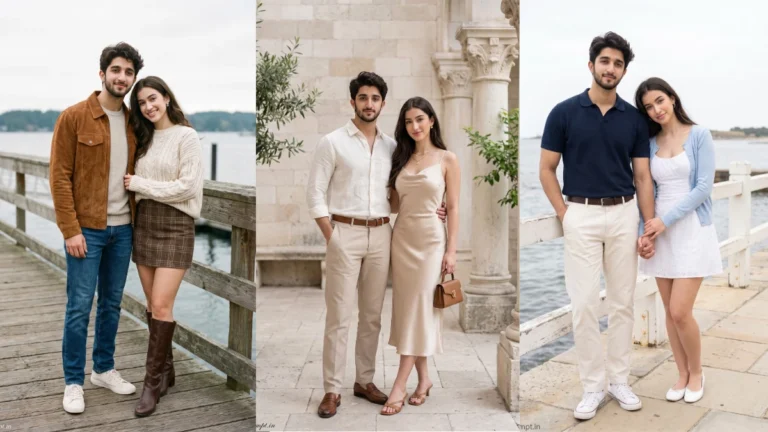
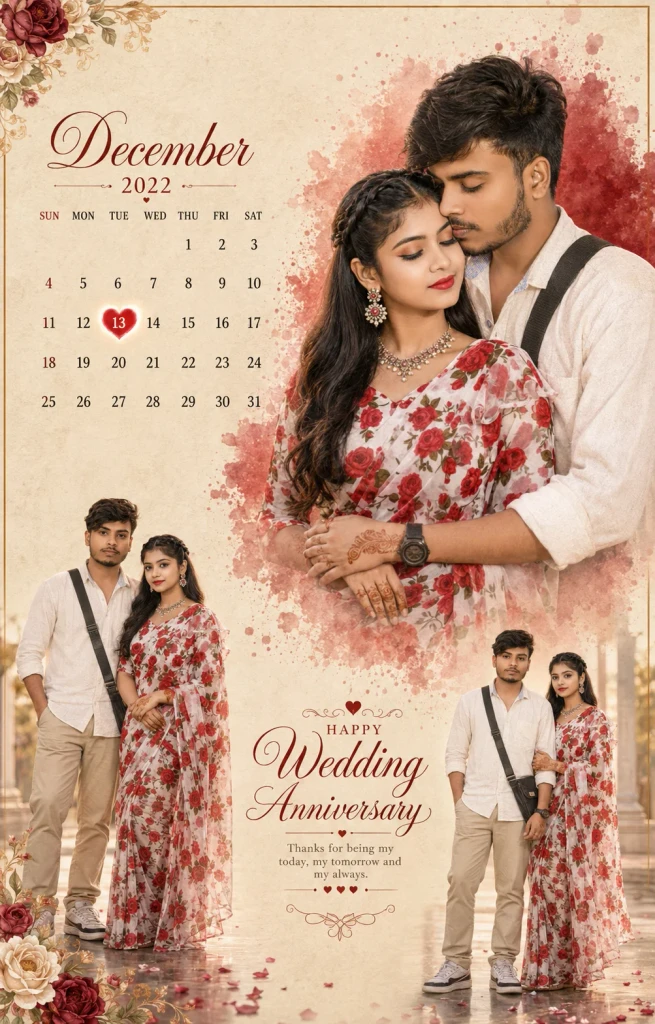
An anniversary image may be used in a printed frame or shared with family, so avoid overly trendy effects that could quickly feel dated. Natural light, a clean background and a genuine expression are reliable choices. If the couple has a favourite flower or meaningful location, include it as a subtle detail. Personal touches can make the generated image more memorable.
Keep the Memory Timeless
Try this scene with your own reference image: Let the memory feel genuine.
How to Use These Prompts
- Open Google Gemini or ChatGPT.
- Upload a clear, well-lit photo.
- Copy the prompt above and paste it into the chat.
- Send it and wait a few seconds.
- Run it 2 to 3 times for the sharpest result.
Prompt Tips
- Use a clear photo with soft, natural light.
- Edit outfit or accessory details to match your style.
- If the face looks off, add "preserve facial identity 100%" at the start of the prompt.