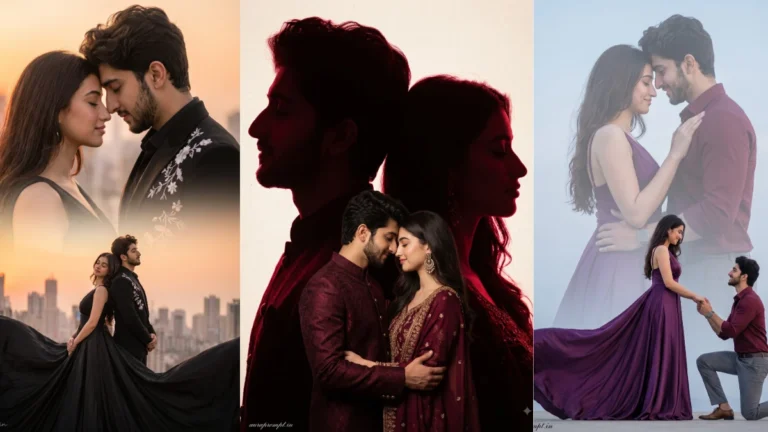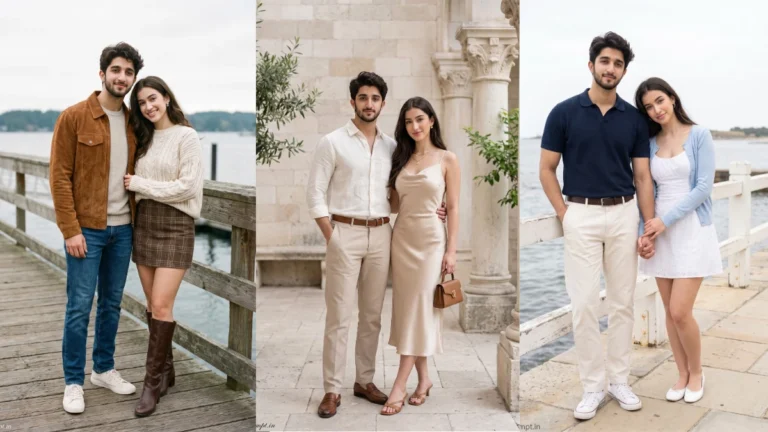

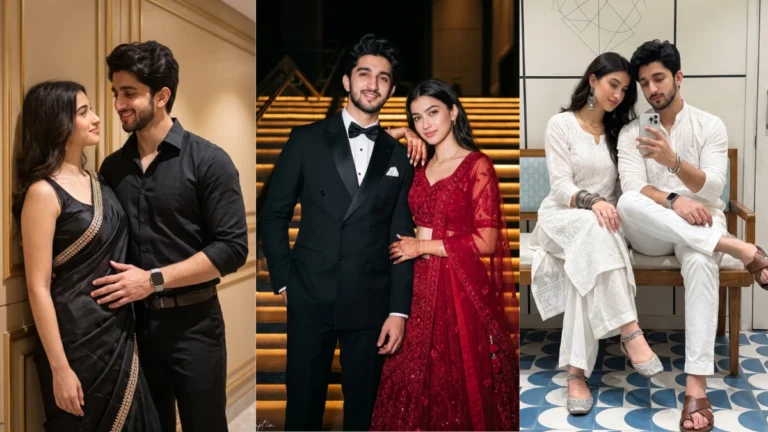
Candid couple photography feels believable because the people appear occupied with each other rather than performing for the camera. A shared laugh, a glance during conversation or walking side by side can create that feeling. When using AI editing, describe the action clearly and keep the body language simple. The goal is to create a natural moment, not an elaborate pose that the couple would never comfortably hold.
Look for Unposed Couple Moments
Everyday locations often work better than grand fantasy backgrounds. A café table, a tree-lined street or a familiar evening walkway gives the image a sense of place. Small details such as coffee cups, window light or street lamps help support the scene. Ask for a softly blurred background if the setting becomes distracting, but retain enough detail to make the location understandable.
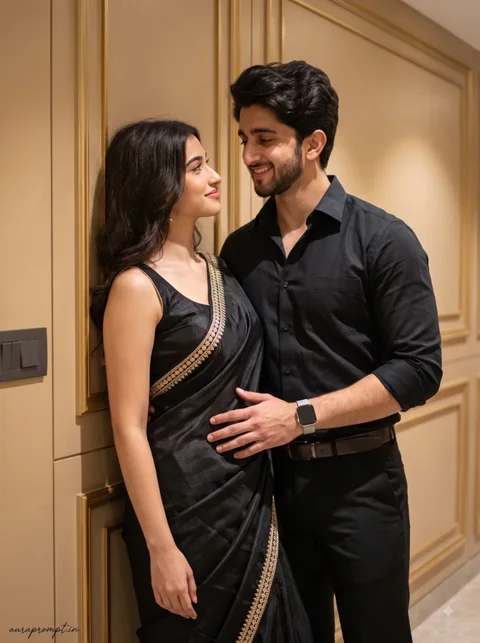
Try this scene with your own reference image:
Choose Everyday Places With Character
Upload clear reference images for both people and specify that their identities must remain separate and unchanged. AI tools can sometimes make faces look alike when the prompt only says ‘a couple’. Mention that each person’s facial features, hairstyle and skin tone should be preserved individually. Also check that hands meet naturally when the couple is holding hands or sharing an object.
Try this scene with your own reference image:
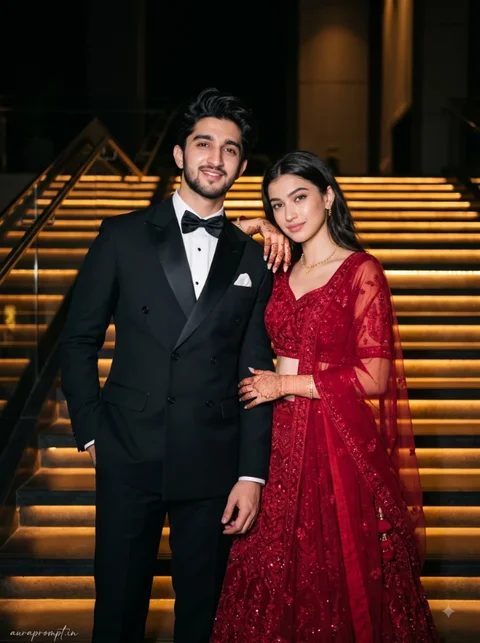
Preserve the Natural Connection Between Two People
Do not judge the result only by its cinematic colour. Look at whether the expressions feel relaxed and whether the couple’s interaction makes sense. Slight imperfections can make a photograph feel more genuine than perfectly symmetrical poses. Choose the image that resembles a moment from everyday life, with the original people still recognisable.
Try this scene with your own reference image:
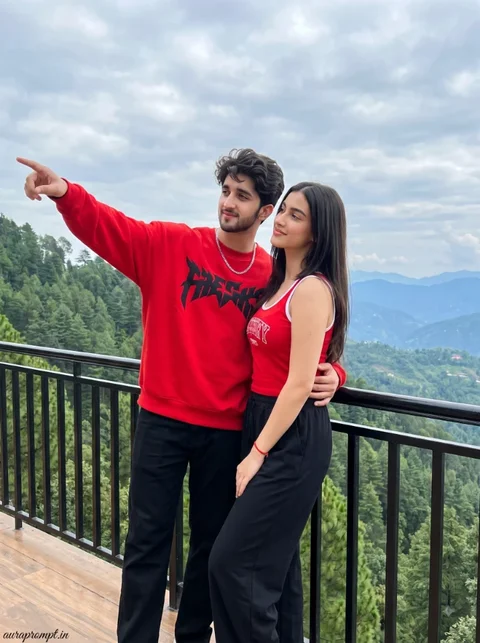
Natural candid photography often has small asymmetries: one person may be looking at the other while the second is smiling, or their walking pace may differ slightly. Mention these interactions instead of asking both people to look directly at the camera. The result can feel more spontaneous. Still, make sure both faces are visible enough for identity preservation. Keep the background secondary.
Avoid Over-Edited Expressions
How to Use These Prompts
- Open Google Gemini or ChatGPT.
- Upload a clear, well-lit photo.
- Copy the prompt above and paste it into the chat.
- Send it and wait a few seconds.
- Run it 2 to 3 times for the sharpest result.
Prompt Tips
- Use a clear photo with soft, natural light.
- Edit outfit or accessory details to match your style.
- If the face looks off, add "preserve facial identity 100%" at the start of the prompt.