
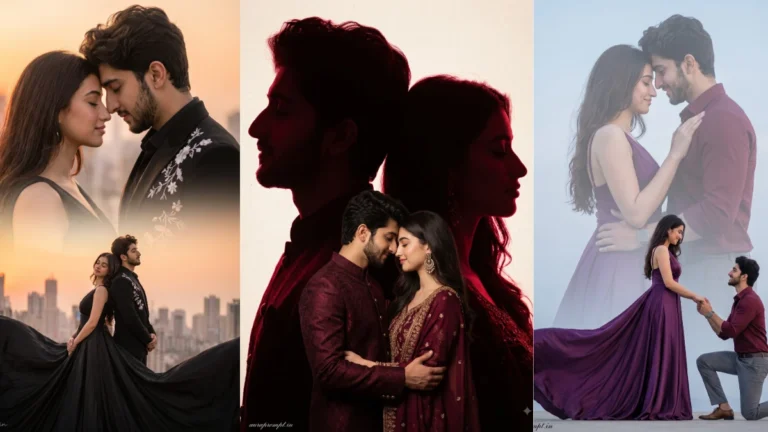
Double exposure combines two visual ideas in one frame. For a couple portrait, the outer silhouette can show the two people while a second scene appears inside their profiles or outlines. The strongest compositions have a clear visual story, such as a shared landscape, a city they love or a memory-inspired setting. Decide what the inner image should communicate before generating the effect.
Understand the Double Exposure Effect
Side profiles are useful because their outlines remain readable after blending. Ask for both people to face one another or stand close together, depending on the mood. The inner scene should support the relationship rather than compete with it. A sunset, tree-lined path or distant skyline can create atmosphere. Avoid adding too many unrelated objects inside the silhouettes, as the layers may become difficult to understand.
Try this scene with your own reference image:
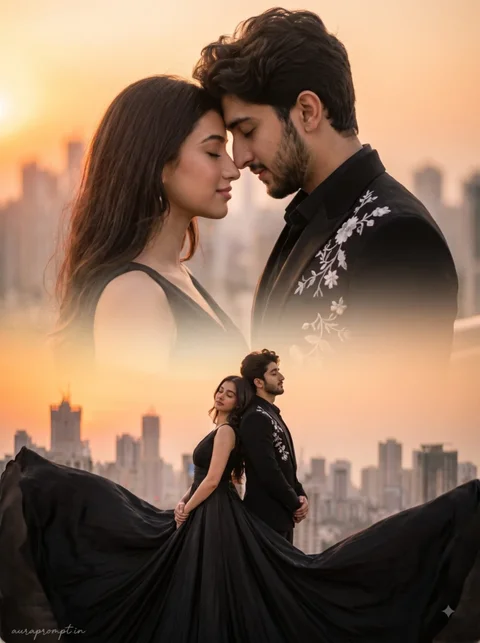
Build a Story Inside the Silhouette
Identity is important even in an artistic edit. Preserve the recognisable profile, hairline and facial outline of each person. The transition between portrait and landscape should feel smooth, not like two unrelated pictures pasted together. Subtle film grain and controlled contrast can help unify the layers. If the faces become unclear, reduce the opacity or complexity of the inner scene.
Try this scene with your own reference image:
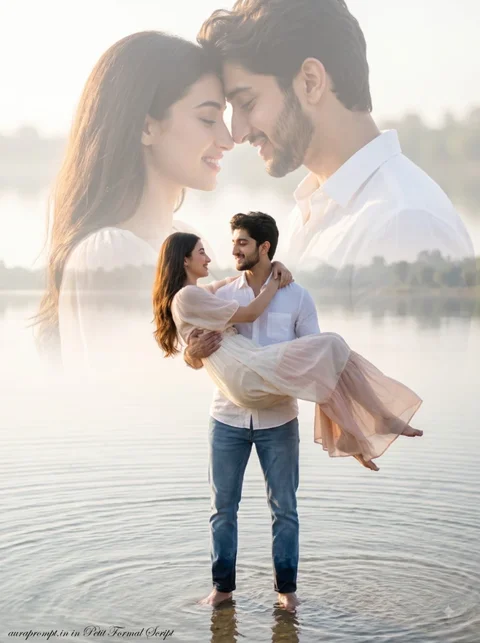
Blend the Layers Without Losing the Couple
Review the image at thumbnail size as well as full size. The overall silhouettes should be understandable immediately, while smaller details can reward a closer look. A restrained colour palette often makes double exposure more elegant. Save a version with clear profiles and balanced layers rather than one with the most dramatic effects.
Try this scene with your own reference image:
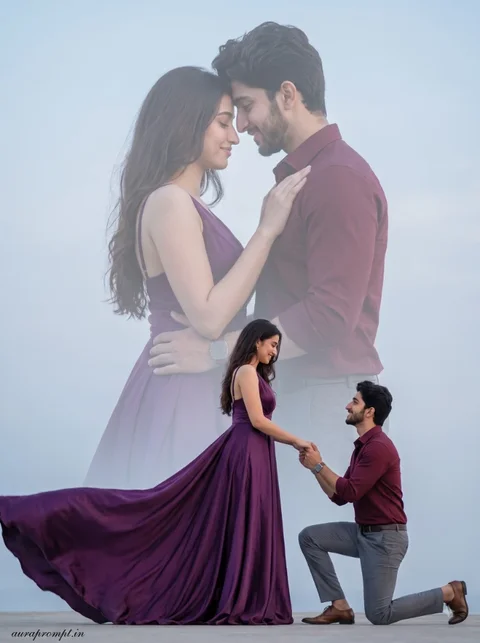
With couple double exposure, both profiles should have enough separation to remain readable. If their outlines overlap too much, the inner landscape can become confusing. Ask for a clean gap between the faces and a gentle blend around the shoulders. This small compositional choice can make the finished artwork look more intentional and less like a random overlay. A little preparation makes it easier to compare the generated versions fairly.
How to Use These Prompts
- Open Google Gemini or ChatGPT.
- Upload a clear, well-lit photo.
- Copy the prompt above and paste it into the chat.
- Send it and wait a few seconds.
- Run it 2 to 3 times for the sharpest result.
Prompt Tips
- Use a clear photo with soft, natural light.
- Edit outfit or accessory details to match your style.
- If the face looks off, add "preserve facial identity 100%" at the start of the prompt.