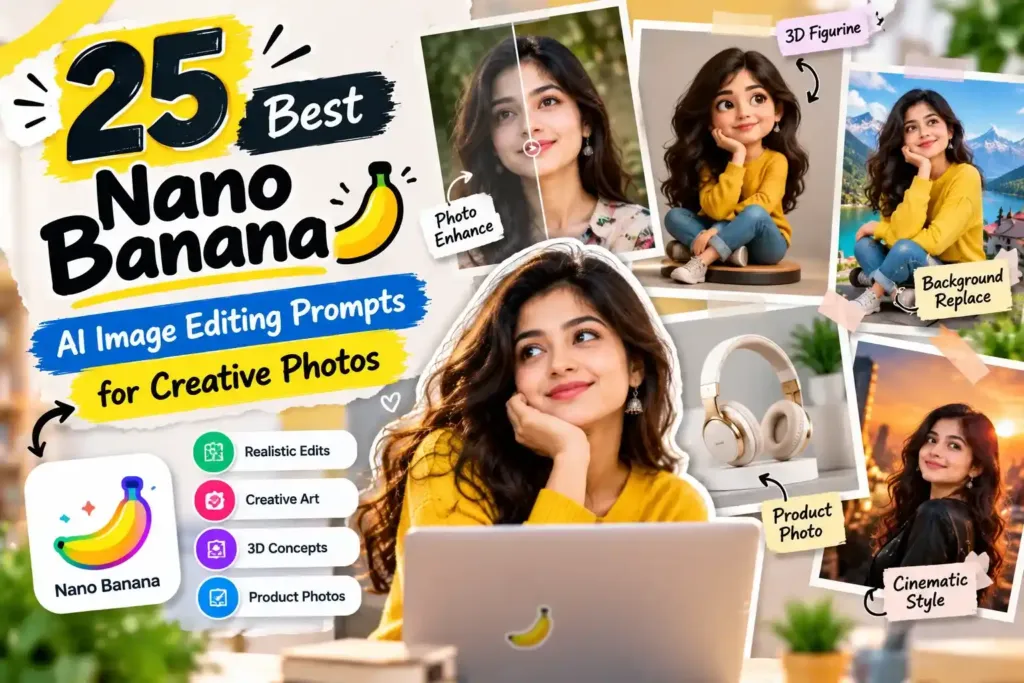
Introduction to Nano Banana Prompts
Nano Banana is the popular name associated with Google’s Gemini image-generation and editing capabilities. It is especially useful for experimenting with image transformations, creative portraits, product visuals, and scene changes. A well-structured prompt explains what should change, what must remain consistent, and how the final image should look. Results can vary depending on the model version, source image, and complexity of the requested edit.
1. Realistic AI Portrait Prompts
Portrait editing is a useful way to explore image transformation while preserving the original subject. Describe the lighting, photographic style, background, and details you want to improve.
Prompt:
Edit the uploaded photograph into a realistic professional portrait. Preserve the person's identity, facial structure, hairstyle, and natural skin texture. Improve lighting, add soft background separation, refine exposure, and create a premium portrait photography look. Avoid artificial skin, exaggerated facial features, or unnecessary changes to the subject.2. 3D Figurine and Collectible Prompts
Creative figurine images can transform a photograph or character concept into a collectible-style visual. Specify the materials, pose, display stand, packaging, and camera angle for a more controlled result.
Prompt:
Transform the main subject into a detailed collectible 3D figurine displayed on a minimal circular base. Use realistic material textures, carefully modeled details, soft studio lighting, and a neutral background. Keep the recognizable appearance of the original subject and present the figurine as a premium product photograph.3. Product Photography Prompts
Online sellers can experiment with product photography concepts for catalogs, advertisements, and social media. Clearly describe the product and avoid requesting changes to essential branding or product details.
Prompt:
Create a premium commercial product photograph using the uploaded product image. Preserve its original shape, color, proportions, logo, and important design details. Place it against a clean studio background with realistic shadows, controlled reflections, balanced lighting, and a polished e-commerce photography style.4. Background Replacement Prompts
Changing the background can give an existing image a completely different atmosphere without rebuilding the entire composition. Mention the intended environment and how the lighting should match the original subject.
Prompt:
Replace the background of the uploaded photograph with a beautiful modern city street during golden hour. Preserve the subject's identity, pose, clothing, and proportions. Match the new environment's lighting and shadows to the subject, maintain realistic edges, and create a natural, high-quality photograph.Final Thoughts
Nano Banana image editing works best when you describe the desired result precisely and distinguish between elements to preserve and elements to change. Start with a simple instruction, review the generated image, and refine specific details instead of rewriting everything at once.