Introduction to Gemini AI Prompts
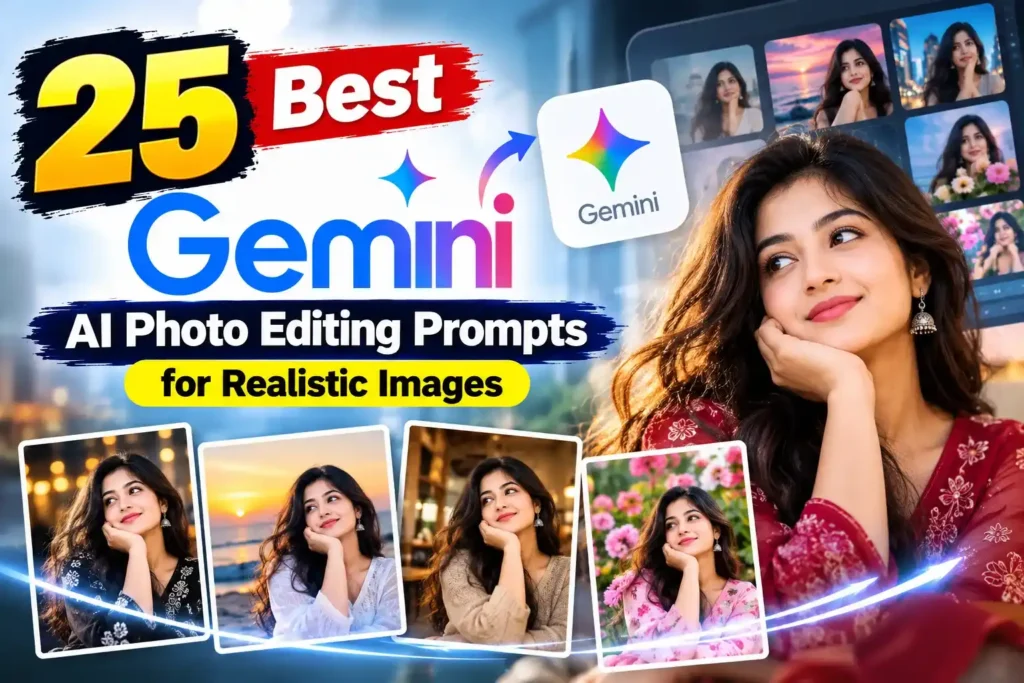
Google Gemini is a powerful AI tool for creating creative content, transforming photographs, and exploring new visual ideas. With the right prompts, you can turn ordinary pictures into professional-looking portraits, cinematic scenes, and stylish social media images. Whether you are a content creator, photographer, or AI enthusiast, well-written Gemini prompts can help you achieve better results without complicated editing software.
1. Realistic Portrait Editing Prompts
Create natural-looking portraits with detailed facial features, realistic skin texture, balanced lighting, and professional photography effects. Upload your photo and describe the style you want while keeping your original identity recognizable.
Prompt:
Enhance this portrait into a professional editorial photograph. Preserve the person's original facial features, identity, hairstyle, and natural skin texture. Add soft studio lighting, realistic shadows, a clean background, sharp details, and premium DSLR photography quality. Avoid excessive skin smoothing and artificial facial changes.2. Cinematic Photography Prompts
Cinematic prompts are ideal for dramatic photographs with beautiful lighting, rich colors, and movie-inspired compositions. They work well for profile pictures, travel photography, and creative social media posts.
Prompt:
Transform this photo into a cinematic editorial photograph with golden-hour lighting, warm highlights, realistic shadows, a softly blurred background, natural colors, and professional color grading. Keep the subject's appearance unchanged and maintain realistic photographic details.3. Fashion and Outfit Transformation Prompts
Gemini can help visualize different fashion styles, from casual streetwear to elegant formal outfits. Describe the clothing, location, lighting, and overall mood to guide the transformation.
Prompt:
Edit this photo into a premium fashion photography scene. Dress the subject in a modern, stylish outfit with realistic fabric textures and natural folds. Use an urban background, balanced composition, soft directional lighting, and high-resolution editorial photography. Preserve the subject's identity and natural proportions.4. Creative Social Media Image Prompts
Create eye-catching images for Instagram, Pinterest, Facebook, and other platforms. Specify the aspect ratio, composition, and visual style to make the final result suitable for your intended platform.
Prompt:
Create a visually appealing social media portrait using this uploaded photo. Add a modern background, balanced lighting, realistic details, attractive color grading, and a clean composition. Keep the person's face recognizable and leave sufficient space around the subject for flexible cropping.Final Thoughts
The best Gemini results come from clear instructions and specific visual details. Experiment with lighting, backgrounds, camera styles, and composition to discover your preferred look. Always review the generated image carefully and refine your prompt when necessary.

My name is Sudip Jana. I am a passionate content creator interested in artificial intelligence, AI image editing, and creative digital tools. Through PixPrompt, I share creative AI prompts, image editing ideas, and practical tips to help creators turn their imagination into stunning visuals. My goal is to make AI creativity simple and accessible for everyone, from beginners to experienced designers