How to Play HTML5 Games on Any Device Without Downloading
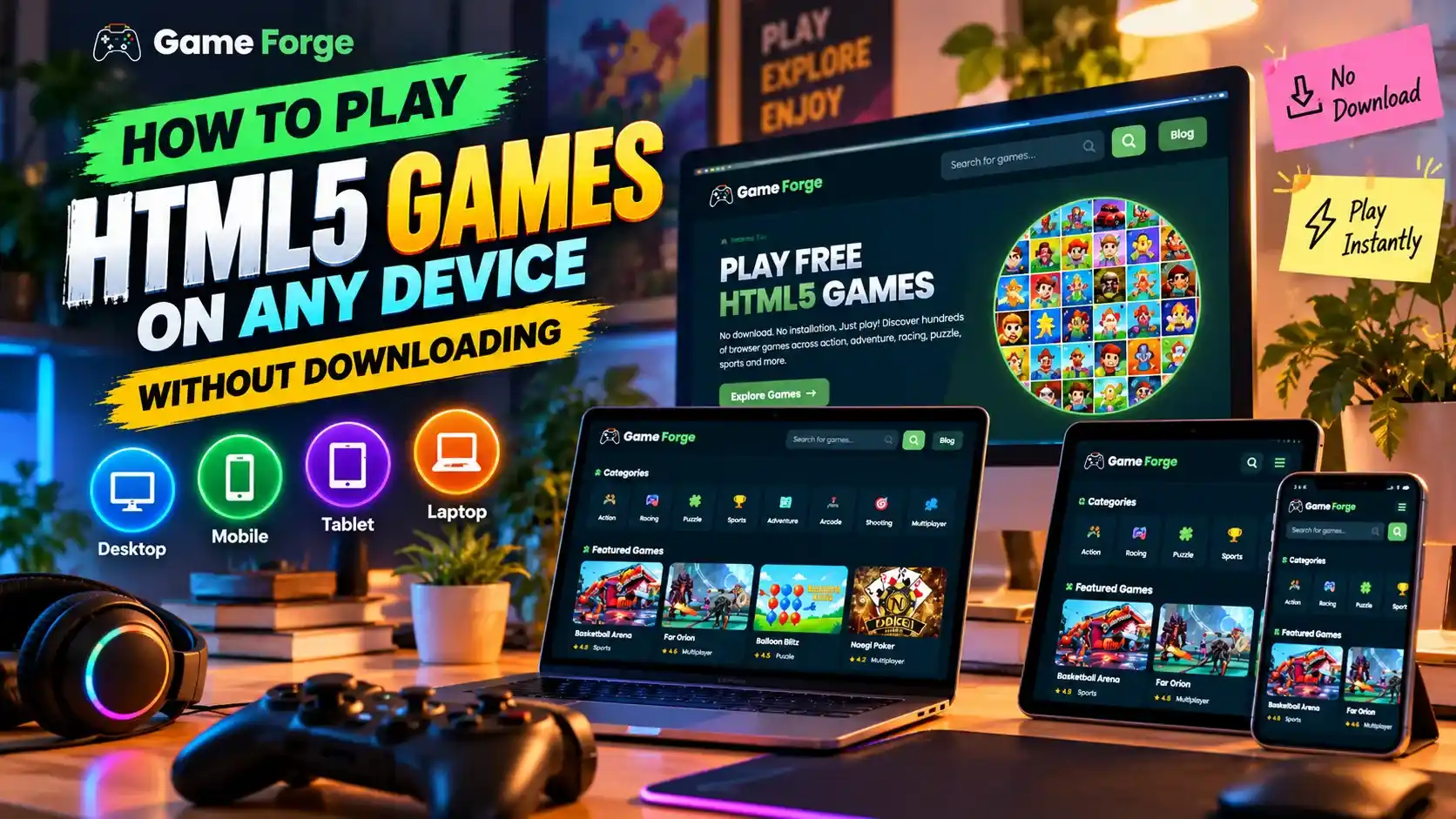
Playing online games no longer requires a powerful gaming computer or lengthy installation process. HTML5 browser games allow players to enjoy different gaming experiences directly through compatible web browsers. Whether you use a desktop, laptop, tablet, or smartphone, getting started can be simple with a suitable game and a reliable internet connection.
What Makes HTML5 Games Easy to Play?
HTML5 games use modern web technologies to deliver interactive experiences inside supported browsers. Many titles start directly from a webpage, so you do not need to download a separate game installer.
You can explore racing challenges, arcade adventures, puzzles, sports games, and other genres without filling your device with large game files. However, some games may have additional requirements, advertisements, or features that depend on the browser and device.
Playing Browser Games on Desktop and Laptop
Desktop computers and laptops are excellent choices for games that benefit from larger screens, keyboard controls, or mouse precision. To begin, open an updated browser, visit Game Forge, and select a game from the available collections.
Check the game's instructions before starting. Some titles use arrow keys, while others rely on mouse clicks or different keyboard combinations. Closing unnecessary browser tabs can also help improve performance on devices with limited memory.
Enjoying HTML5 Games on Mobile and Tablet
Mobile devices make casual gaming convenient when you are away from your desk. Many HTML5 games adapt to smaller screens and provide touchscreen controls, although compatibility varies by title.
For a comfortable experience, rotate your device if the game recommends landscape mode and keep your browser updated. If controls appear difficult to use, try another game designed for touchscreens.
Tips for a Smooth Online Gaming Experience
A stable internet connection helps games load reliably, while an updated browser improves compatibility with modern web features. If a game runs slowly, close background applications, refresh the page, or try a supported browser.
Visit Game Forge to discover available browser games across different categories. Choose a title that suits your device, follow its control instructions, and start playing. With the right setup, online gaming can be an easy way to enjoy entertainment without complicated installations.