
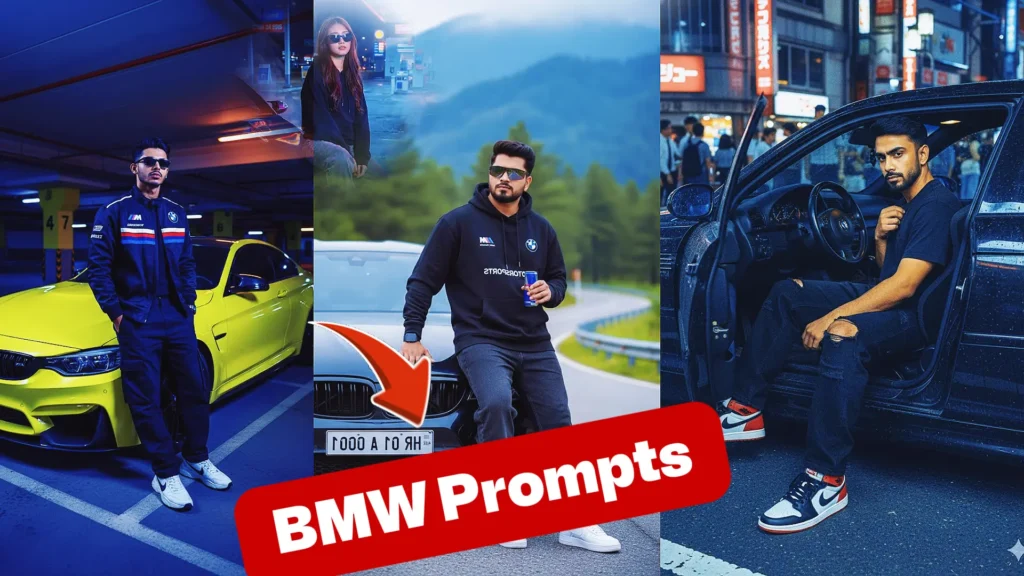
A BMW-themed AI image can focus on the vehicle itself or show a person beside it. Decide which subject should dominate before writing the prompt. If the car is the hero, use a wider frame that shows its body lines and wheels. If the owner is central, keep the vehicle slightly behind or beside them. A clear composition helps the tool understand the purpose of the photograph.
Decide How the BMW Should Appear
Try this scene with your own reference image:
Choose a Location That Complements the Car
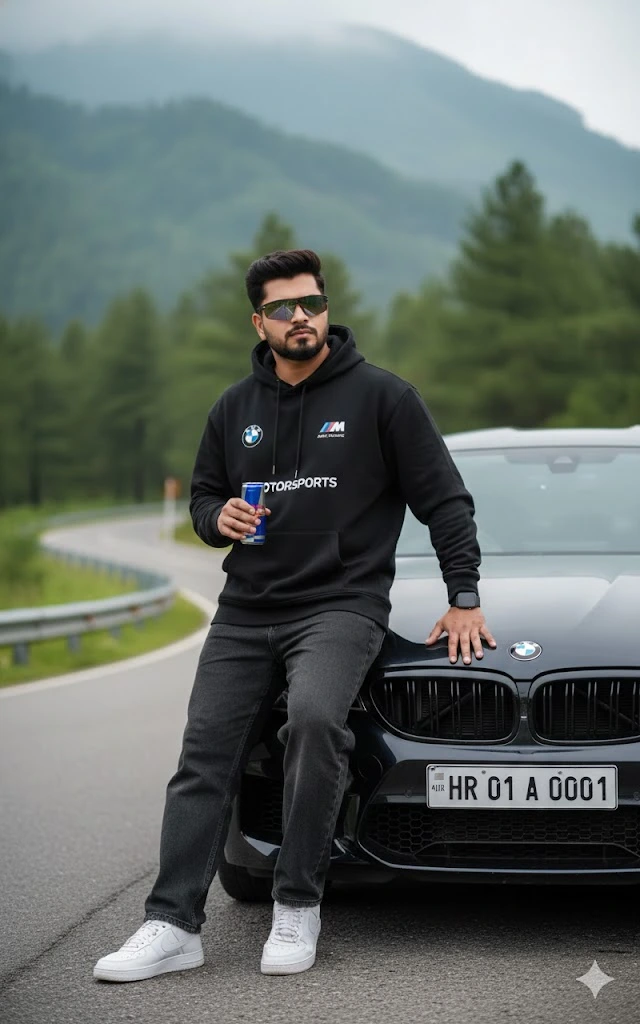
Urban streets, mountain roads and wet city scenes create very different moods. A modern building gives a clean premium look, while a scenic road suggests travel and performance. Make sure the environment fits the car and does not introduce unsafe driving behaviour. Reflections should follow the shape of the vehicle and the direction of the light, rather than appearing as random bright patches.
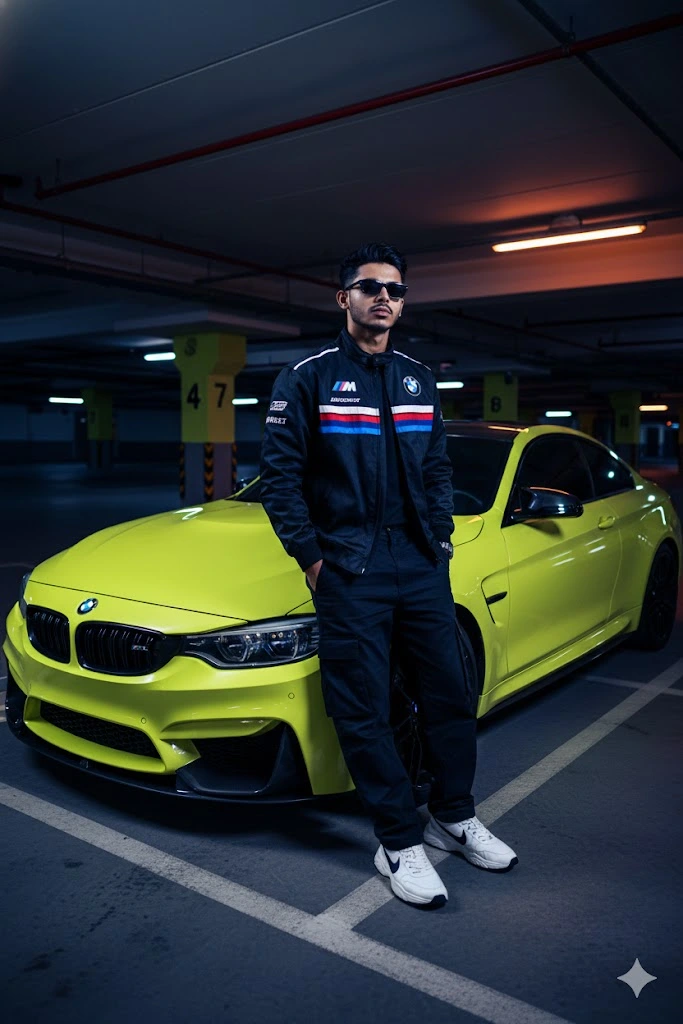
Automotive details are important because AI tools may alter wheel designs, headlights, grilles or body proportions. Describe the intended model only when you can provide a suitable reference, and ask the editor to keep the vehicle design consistent with the supplied image. Avoid relying on generated logos or text for accuracy. Inspect the car at full size before using the image publicly.
Try this scene with your own reference image:
Pay Attention to Automotive Accuracy
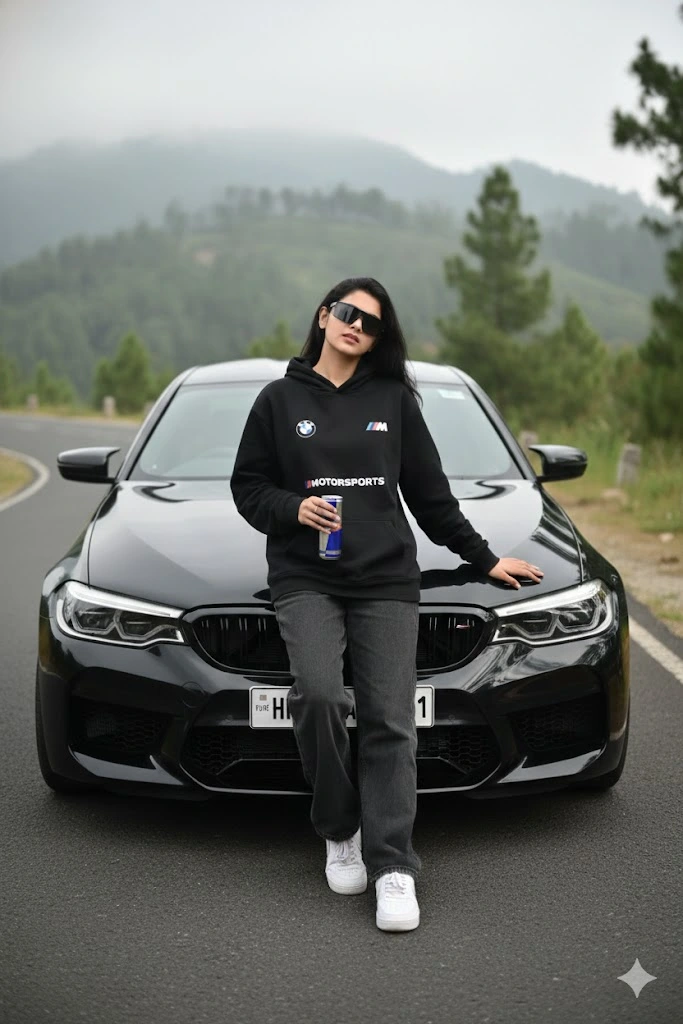
If a person appears in the scene, preserve their face and natural proportions. Check the way they stand beside the car and make sure their hands do not merge with the bodywork. A strong result has believable scale, clean reflections and a clear subject. Choose a final image that looks like a professional automotive photograph rather than an unrealistic showroom fantasy.
For a car-focused image, the vehicle’s perspective matters. A low camera angle can make the car look powerful, while an eye-level view gives a more balanced everyday photograph. Avoid combining several camera angles in one prompt. If you have a reference photo of the exact BMW, use it to guide the body shape and visible details rather than relying on a model name alone.
Create a Clean Driver or Owner Portrait
Try this scene with your own reference image:
How to Use These Prompts
- Open Google Gemini or ChatGPT.
- Upload a clear, well-lit photo.
- Copy the prompt above and paste it into the chat.
- Send it and wait a few seconds.
- Run it 2 to 3 times for the sharpest result.
Prompt Tips
- Use a clear photo with soft, natural light.
- Edit outfit or accessory details to match your style.
- If the face looks off, add "preserve facial identity 100%" at the start of the prompt.