
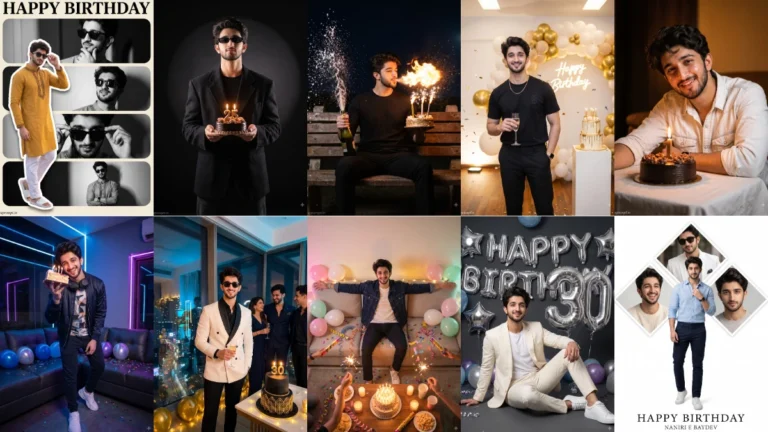
Set the Birthday Scene Around Your Style
A birthday portrait for a boy or young man can be playful, formal or minimal. Think about the personality you want the photograph to express before choosing decorations. A small cake and a few balloons can feel personal, while a larger party background suggests a lively celebration. The subject should remain the focus. Too many props can make the image look like a generic event poster instead of a personal birthday photograph.
Lighting changes the mood more than extra decorations do. Warm candlelight creates an intimate look, while a clean studio spotlight gives the portrait a more polished finish. Confetti can add movement, but it should not cover the face or become the main subject. Choose clothing that fits the setting, such as a smart shirt for a formal portrait or a relaxed outfit for a casual party.
Try this scene with your own reference image:
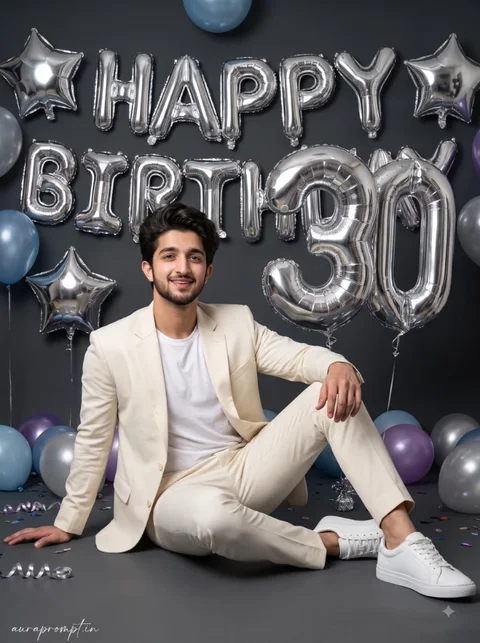
Choose a Cake and Lighting Combination
Ask the image tool to preserve the original face, hairstyle and natural skin tone. This matters when the reference photo was taken outdoors or in everyday clothing. Keep the cake at a realistic height and make sure candles, plates and balloons have believable proportions. If the tool produces strange lettering on the cake, use a plain design and add the birthday message later.
Make the Celebration Look Believable
Try this scene with your own reference image:
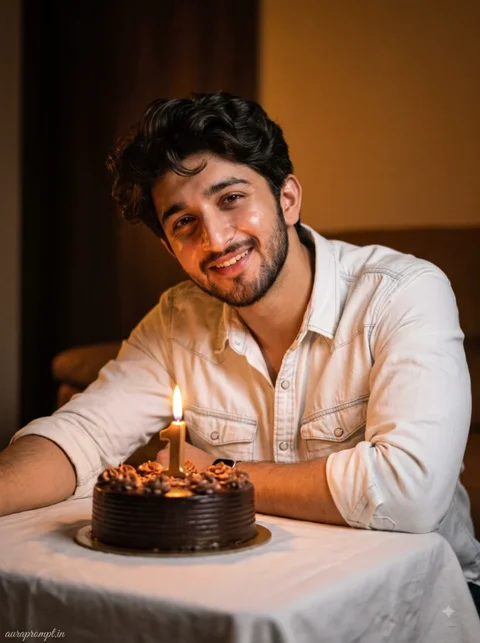
Compare the final result with the original picture before posting. Look closely at the eyes, smile, fingers and edges of the clothing. A birthday image does not need extreme retouching to look special. Natural expression, good light and a clear celebration detail are usually enough. Save a version with room around the subject if you plan to add a greeting or date afterward.
Try this scene with your own reference image:
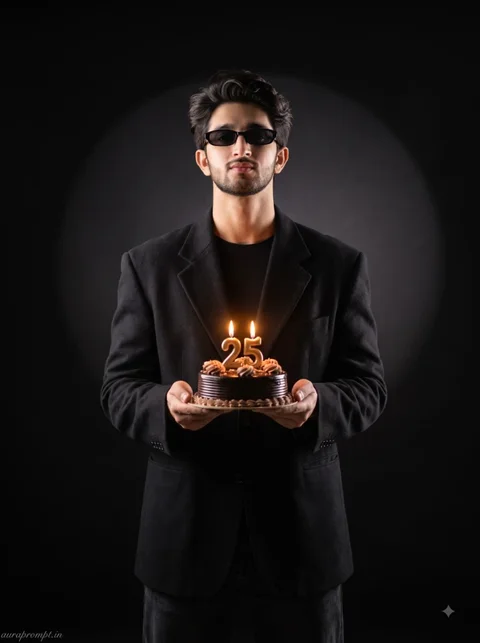
A birthday portrait can be made more personal by including a detail that reflects the person’s interests, such as a favourite colour or a simple hobby-related decoration. Keep this detail subtle so it does not compete with the cake. If you plan to add a name or age, leave clear space in the composition and place the lettering afterward with an editing app. This approach is useful when you want a natural photograph rather than a heavily designed birthday graphic.
How to Use These Prompts
- Open Google Gemini or ChatGPT.
- Upload a clear, well-lit photo.
- Copy the prompt above and paste it into the chat.
- Send it and wait a few seconds.
- Run it 2 to 3 times for the sharpest result.
Prompt Tips
- Use a clear photo with soft, natural light.
- Edit outfit or accessory details to match your style.
- If the face looks off, add "preserve facial identity 100%" at the start of the prompt.