
A birthday portrait for a girl or woman can be graceful, cheerful or glamorous. The theme should match the personality of the person in the reference photo. A floral setup feels soft and romantic, a studio cake portrait looks polished, and an evening celebration adds sparkle. Decide on the mood first so that the outfit, decorations and lighting all belong to the same visual idea.
Choose a Birthday Theme That Matches Her Personality
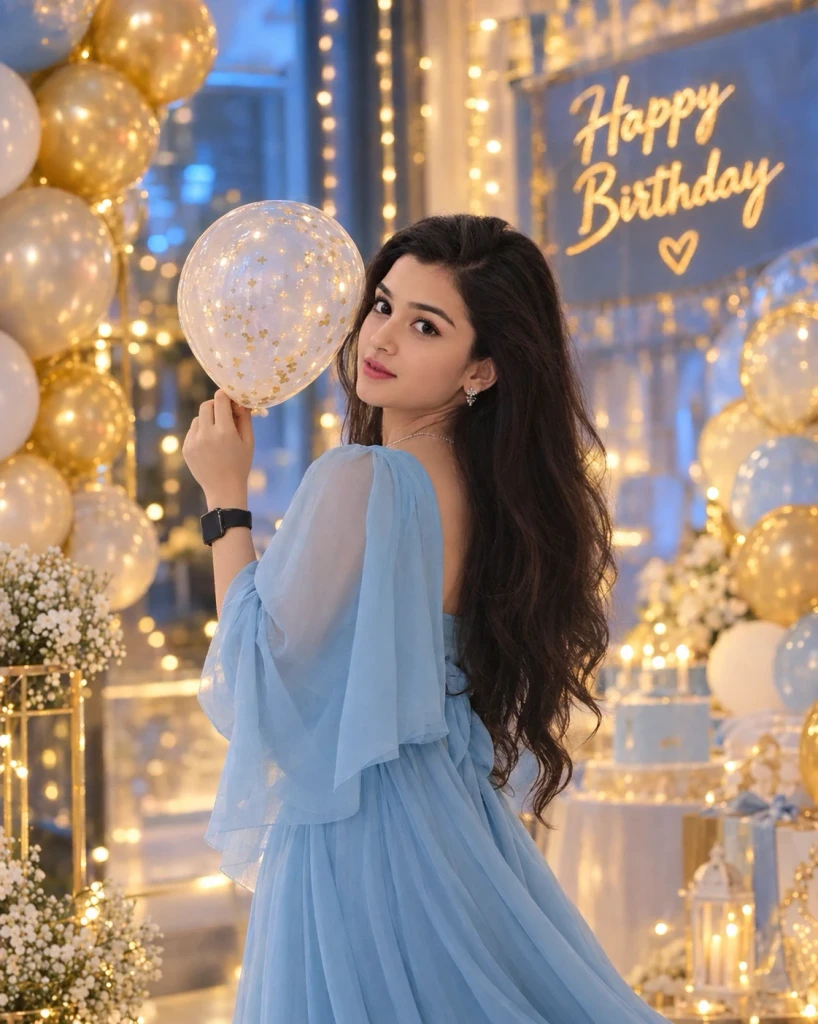
The cake is often the main birthday prop, so its size and position should look realistic. Balloons, flowers and candles can frame the subject, but leave enough open space around the face. If you want to include a birthday message, it is usually better to add the text after image generation because AI tools may create misspelled lettering. A plain cake can still look elegant.
Try this scene with your own reference image:
Style the Cake and Decorations
Lighting should flatter the face without removing natural skin texture. Soft studio light works well for close portraits, while warm fairy lights can add atmosphere to an evening scene. Choose a dress or outfit that fits the setting and ask for realistic fabric folds. Keep jewellery and accessories tasteful so the portrait remains about the birthday person.
Try this scene with your own reference image:
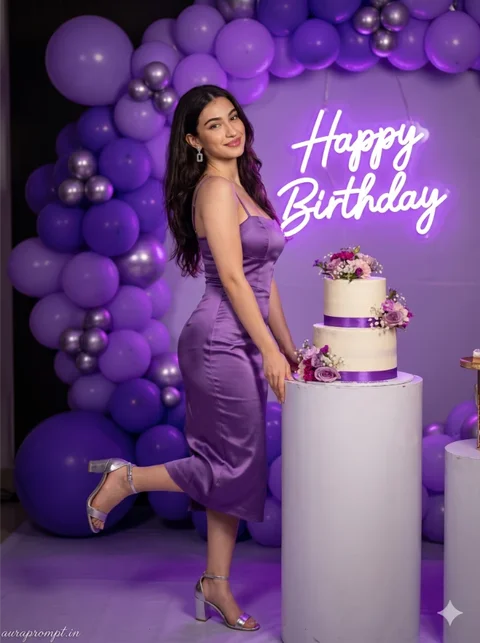
Use Soft Light for a Flattering Portrait
Check that the final image still resembles the original person. Look at the smile, eyes, hairstyle and hands, especially if the pose includes holding a cake or flowers. A polished birthday image does not need excessive filters. Choose a result with a natural expression and a balanced arrangement, then add a greeting or date separately if desired.
Try this scene with your own reference image:
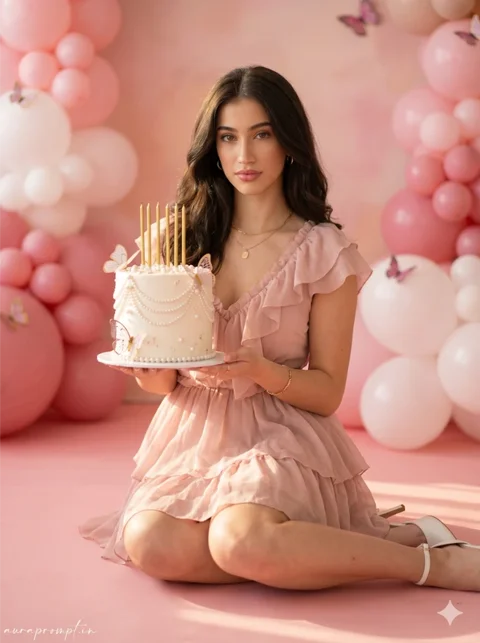
Choose a birthday colour palette before generating the decorations. Pastel shades can feel soft, while jewel tones create a more glamorous evening look. Repeating one colour in the cake, balloons and outfit can tie the composition together. Keep the decorations behind the subject and avoid covering the hair or shoulders, especially if you want to use the image as a portrait. Personal details often matter more than adding another decorative effect.
Keep the Final Photograph Elegant
How to Use These Prompts
- Open Google Gemini or ChatGPT.
- Upload a clear, well-lit photo.
- Copy the prompt above and paste it into the chat.
- Send it and wait a few seconds.
- Run it 2 to 3 times for the sharpest result.
Prompt Tips
- Use a clear photo with soft, natural light.
- Edit outfit or accessory details to match your style.
- If the face looks off, add "preserve facial identity 100%" at the start of the prompt.