
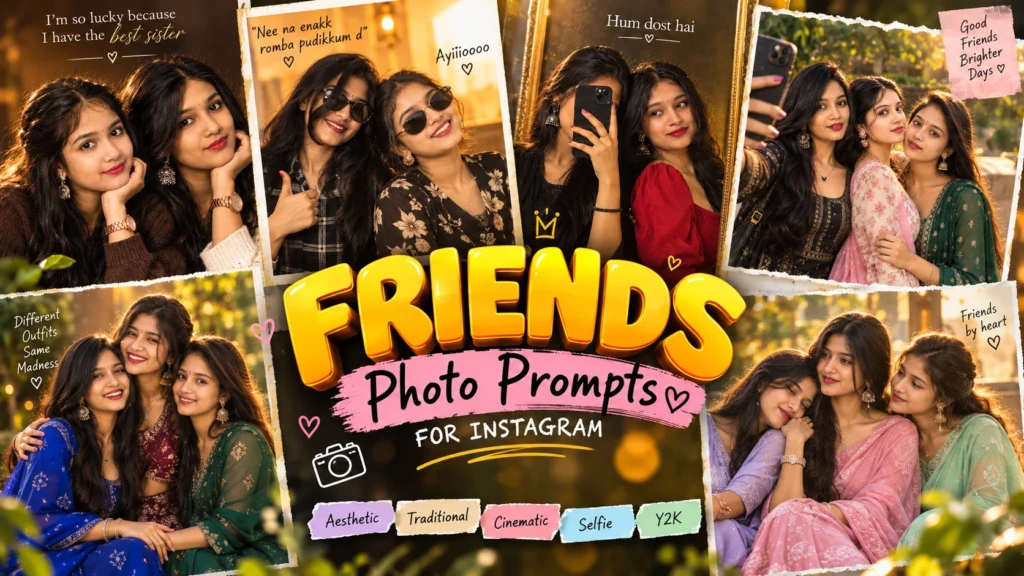
Best-friend photographs are often most appealing when they show a shared personality. A spontaneous laugh, a friendly hug or a conversation can communicate closeness more naturally than a formal pose. Decide whether the image should feel playful, stylish or sentimental. This will help determine the location, clothing and camera angle. Keep the interaction comfortable and avoid poses that look physically awkward.
Capture the Natural Energy of Female Friendship
Matching outfits can create a coordinated photoshoot, but the friends do not need to wear exactly the same clothes. Similar pastel shades, complementary accessories or a shared casual style can make the image feel connected. A café, studio backdrop or rooftop at sunset can provide a simple setting. Choose a background that leaves enough space around both people and does not compete with their expressions.
Try this scene with your own reference image:
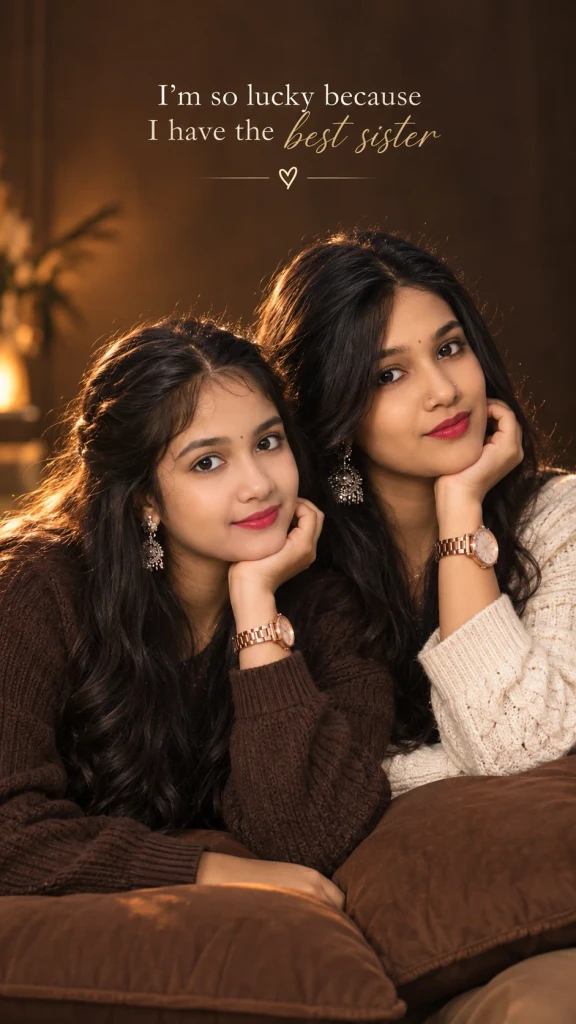
Try Matching Looks Without Making Them Identical
When editing two people, identity preservation deserves special attention. Upload a clear photograph of each friend or a group reference where both faces are visible. State which person should appear on the left and which should appear on the right. Ask the tool to preserve their individual facial features, hairstyles and skin tones. This reduces the chance of duplicated or blended faces.
Try this scene with your own reference image:
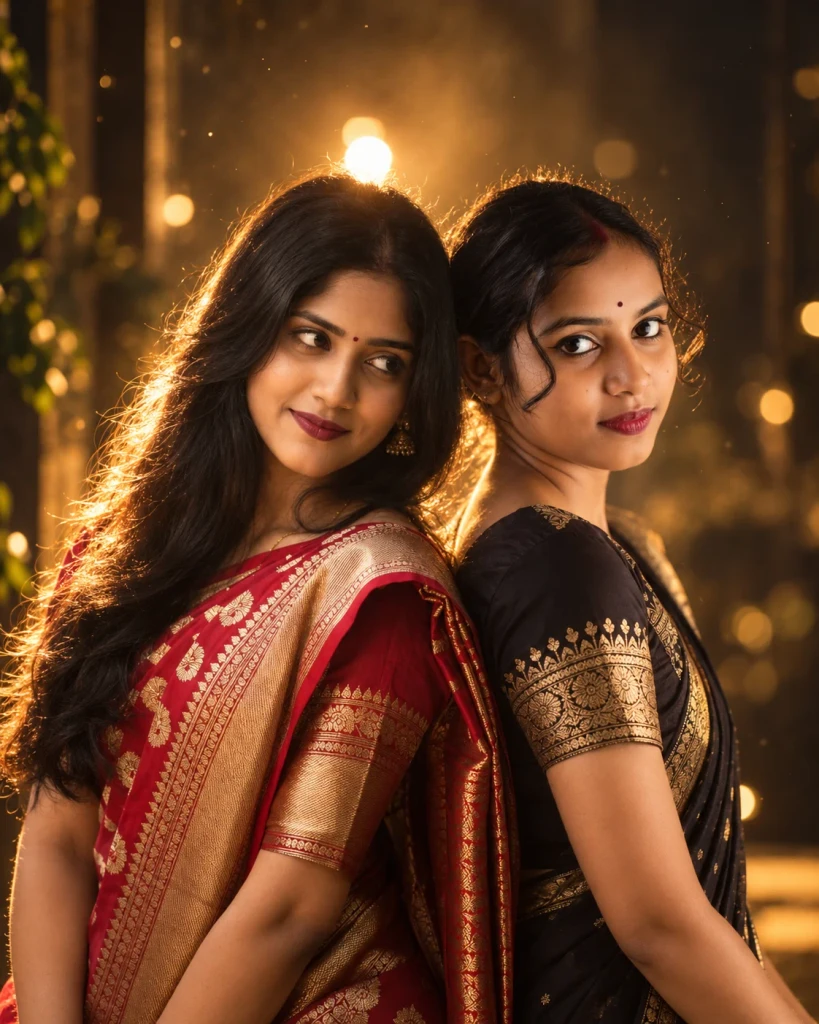
Choose a Setting That Fits the Friends
Inspect the result for natural hand placement, realistic height differences and genuine expressions. If the friends are laughing, their eyes and mouths should look consistent with the expression. A clean image with recognisable faces is more valuable than an elaborate background. Save a version that feels like the friendship, not just a fashionable social-media template.
Try this scene with your own reference image:
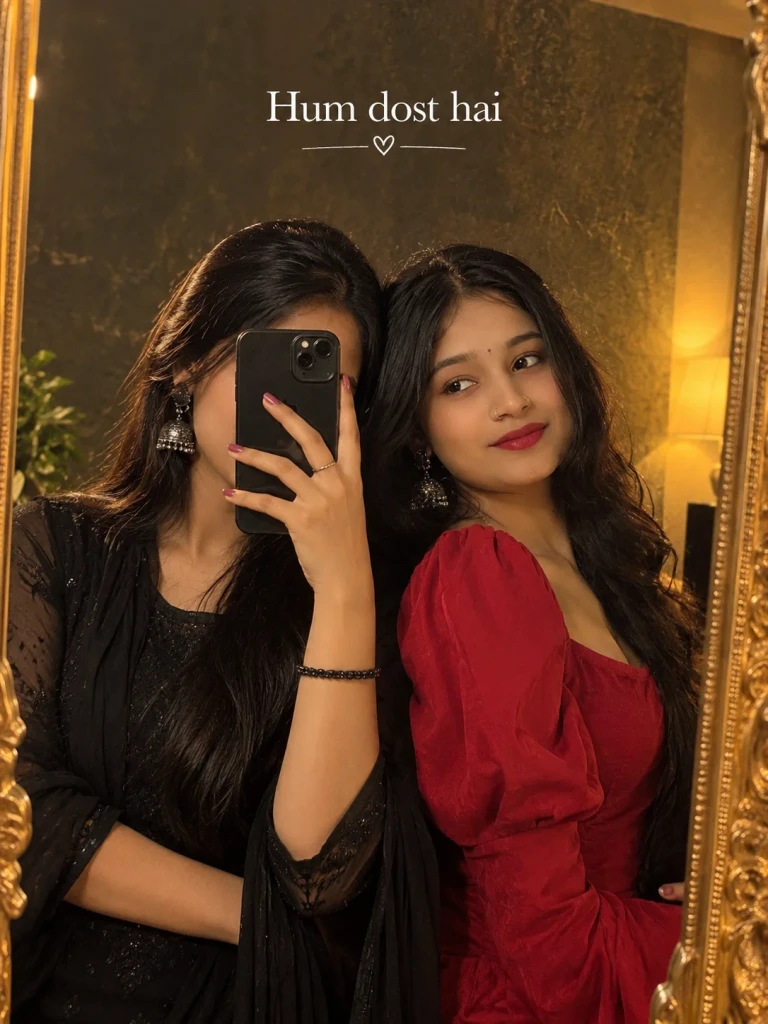
Best-friend portraits should show both people with equal importance. Avoid placing one friend far behind the other unless the composition intentionally calls for depth. If one person is taller, preserve that natural difference rather than forcing identical proportions. A shared activity, such as laughing over coffee or looking at a phone together, can give the image a more personal story. A relaxed setting can make the final image feel less like a posed studio session.
How to Use These Prompts
- Open Google Gemini or ChatGPT.
- Upload a clear, well-lit photo.
- Copy the prompt above and paste it into the chat.
- Send it and wait a few seconds.
- Run it 2 to 3 times for the sharpest result.
Prompt Tips
- Use a clear photo with soft, natural light.
- Edit outfit or accessory details to match your style.
- If the face looks off, add "preserve facial identity 100%" at the start of the prompt.