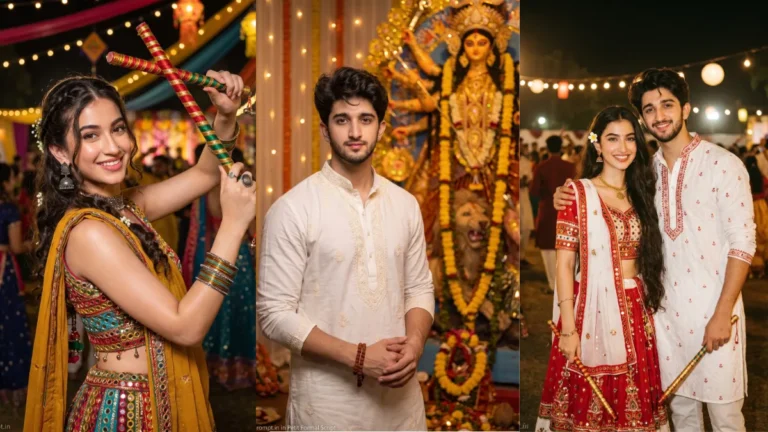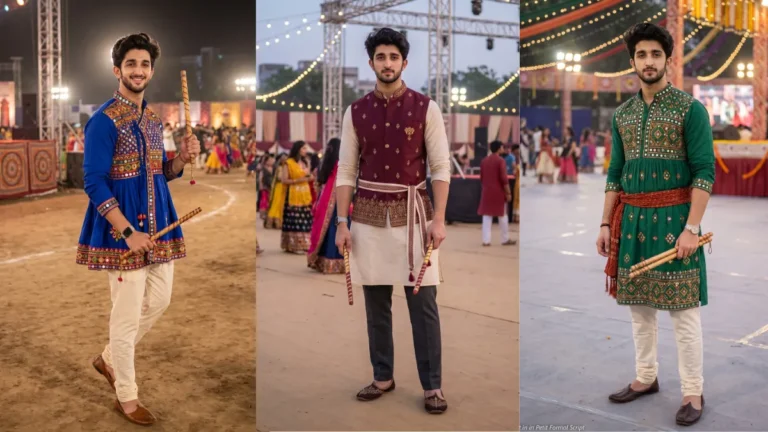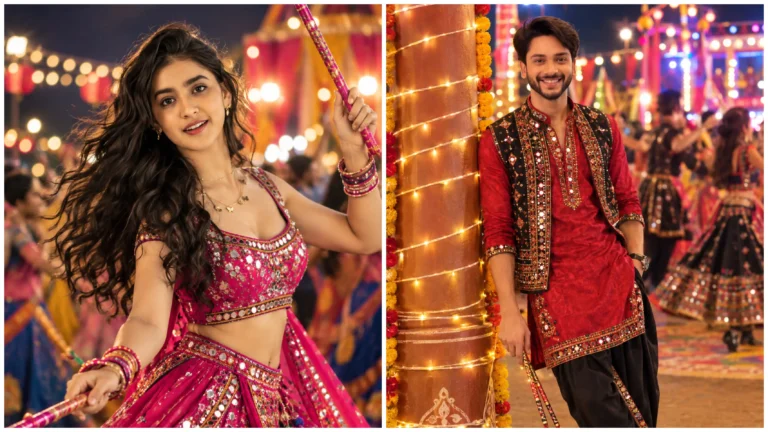

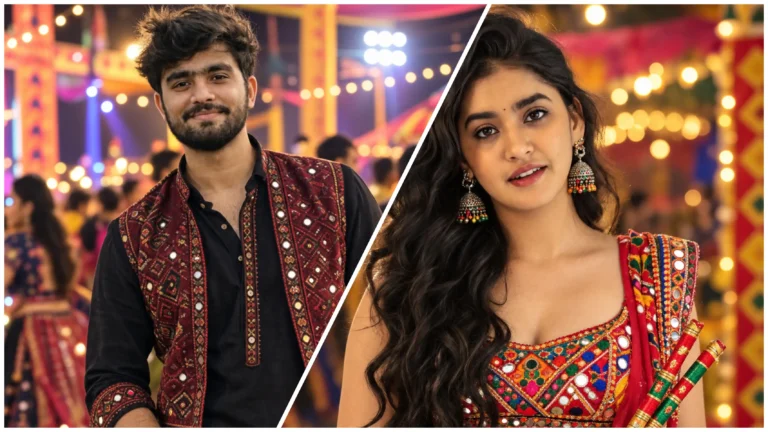
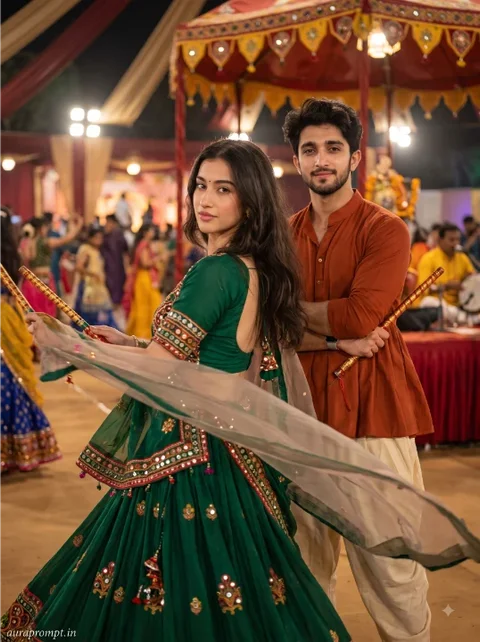
Navratri editing ideas can be adapted for different personal styles. A girl’s portrait may focus on a chaniya choli, jewellery and graceful movement, while a boy’s look may centre on a kediyu, kurta or embroidered jacket. The prompt should describe the clothing clearly so the editor does not mix unrelated styles. If you want a contemporary interpretation, mention which traditional details should remain.
Create a Separate Look for Girls and Boys
Try this scene with your own reference image:
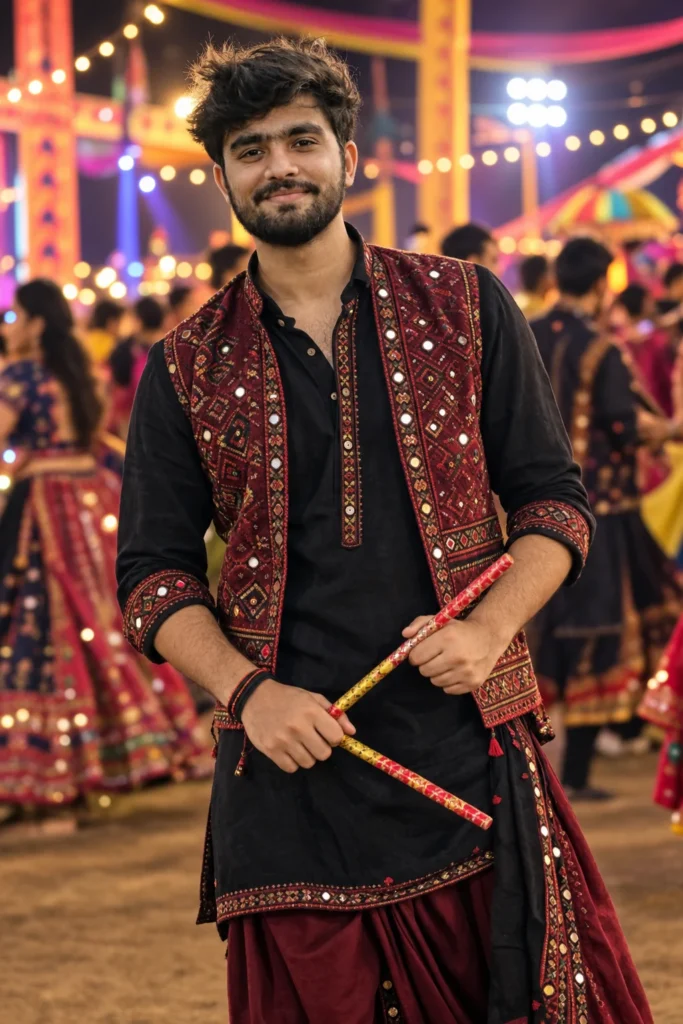
Choose Festival Colours With Purpose
Colour is a major part of the festival, but a successful portrait does not need every shade at once. Choose two or three colours that complement the outfit and venue. Warm lights can create a welcoming evening atmosphere, while a brighter outdoor setting gives the image a more energetic feel. Make sure the face is not lost among the decorations.
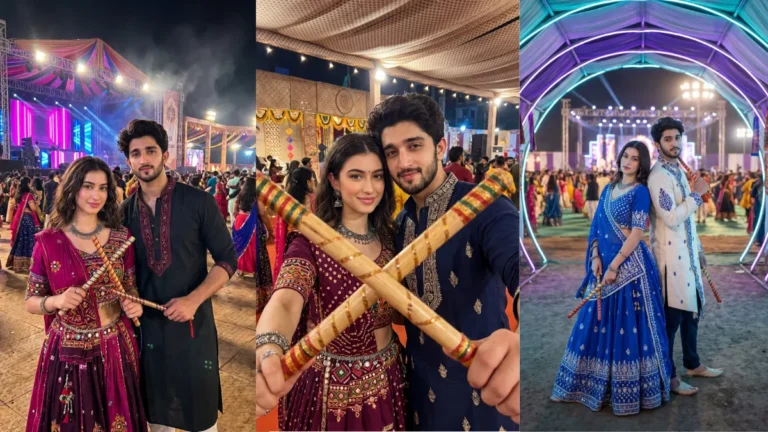
A group photograph can capture the social side of Navratri. If several friends appear, provide clear reference photos and identify each person by position, such as left, centre and right. Ask the tool to preserve every face individually. Keep the group small enough for faces to remain visible, and avoid complicated dance poses if accurate hands and body positions are important.
Try this scene with your own reference image:
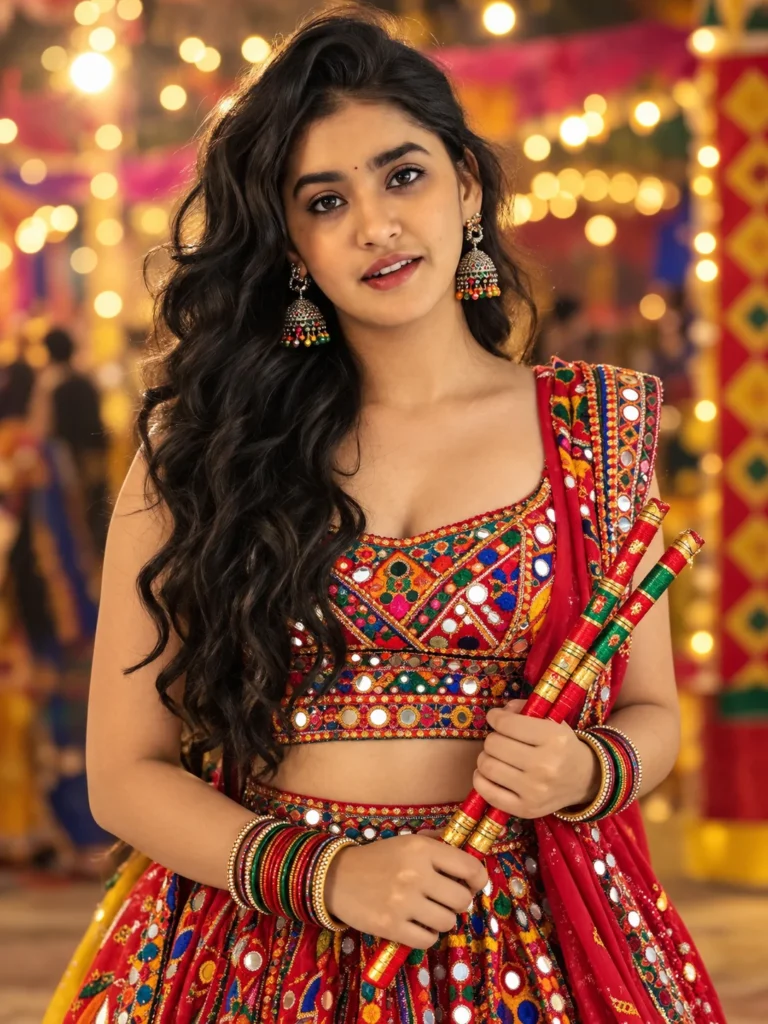
Include Friends and Decorations Naturally
After generation, check each face, outfit and accessory separately. Make sure the people have the correct number of hands and that jewellery does not merge into clothing. A clean background and natural expressions can make the picture more shareable. Keep a copy of the original reference image so you can compare identity and details before publishing.
If you are making separate images for girls and boys, do not force the same lighting or pose on both. A close-up may suit a jewellery-focused outfit, while a wider frame may show a traditional jacket or full costume better. Keeping the overall festival mood consistent is enough to make the images feel like part of one collection.
Check the Portrait Before Posting
Try this scene with your own reference image: A clear reference and a specific outfit description usually make the edit more consistent.
How to Use These Prompts
- Open Google Gemini or ChatGPT.
- Upload a clear, well-lit photo.
- Copy the prompt above and paste it into the chat.
- Send it and wait a few seconds.
- Run it 2 to 3 times for the sharpest result.
Prompt Tips
- Use a clear photo with soft, natural light.
- Edit outfit or accessory details to match your style.
- If the face looks off, add "preserve facial identity 100%" at the start of the prompt.