
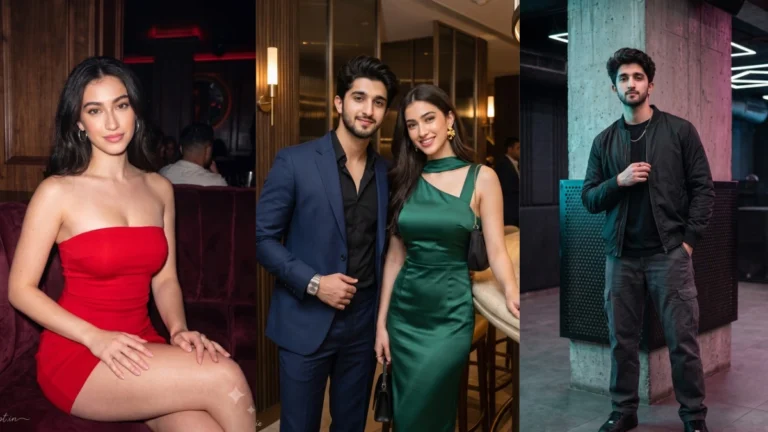
A convincing nightclub portrait is about atmosphere as much as clothing. Coloured lights, a softly blurred dance floor and a confident expression can communicate a lively evening without filling every corner with visual effects. First decide whether the image should feel energetic, glamorous or relaxed. That decision will guide the pose, background and colour palette. A clear face should remain the main point of attention even in a dark environment.
Build a Nightlife Portrait With a Clear Mood
Try this scene with your own reference image:
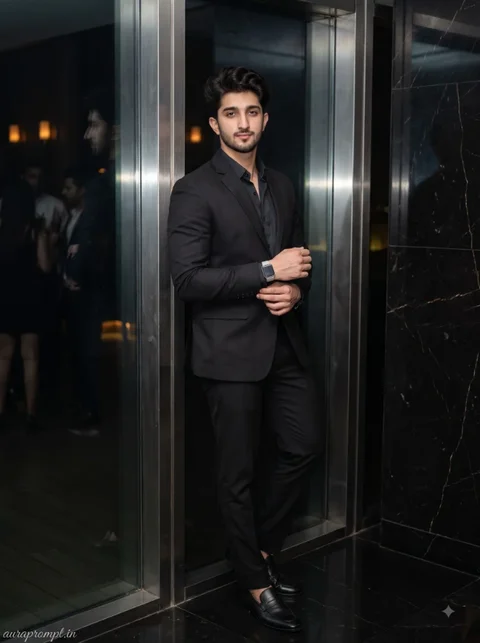
Use Neon Light Without Losing Facial Detail
Neon lighting can easily tint skin or hide facial details. Ask for blue, violet or magenta light in the background while keeping a softer neutral light on the face. This separation makes the portrait colourful but still believable. Choose an outfit that suits the intended setting, such as a smart evening shirt, a modern dress or a neat jacket. Avoid excessive accessories that compete with the subject.
A VIP lounge scene needs different visual cues from a crowded dance floor. Velvet seating, warm lamps and a little background blur suggest a quieter premium setting. For an entrance portrait, glowing signage and reflections can provide context, but the sign should not contain random or unreadable text. If the tool invents lettering, ask for a plain illuminated wall or abstract light panel instead.
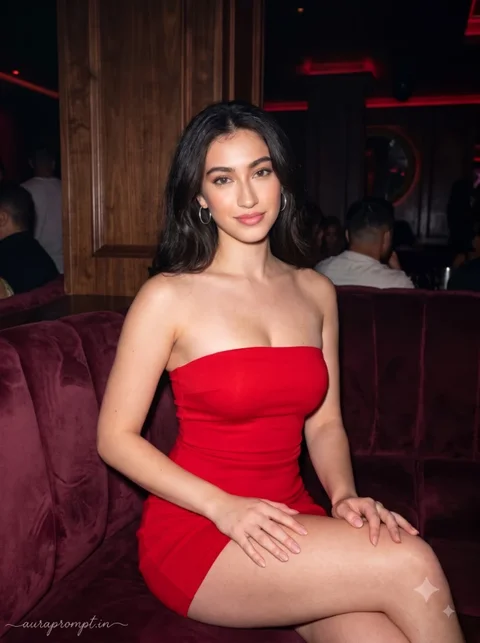
Try this scene with your own reference image:
Style the Lounge or Club Background
Use a reference photo with even lighting so the image editor can preserve the original face. Review the eyes, hairline and skin texture after generation because strong coloured lighting can change these areas. Also check that hands and accessories are plausible. The strongest nightlife image usually has one dominant light source, a clean pose and a background that supports the story rather than overwhelming it.
Think about the light source before choosing the club background. A glowing wall, overhead fixtures or a distant DJ booth can provide colour without casting every light directly onto the face. Keep the subject’s outfit appropriate for the venue and avoid logos or readable signs unless you plan to add them later. This gives you a cleaner portrait with fewer artificial-looking details.
Check the Image Before Sharing
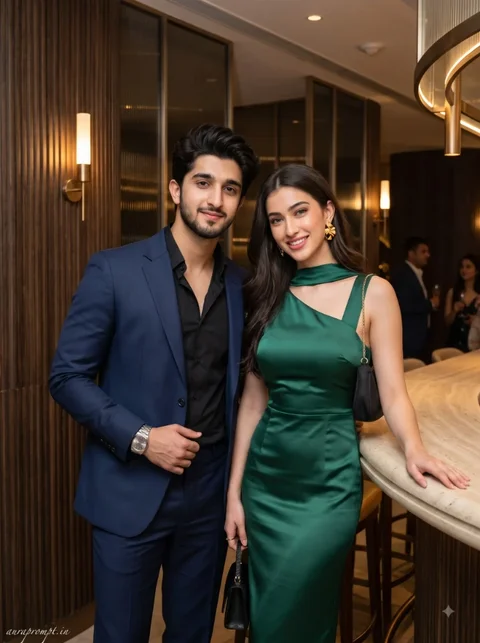
Try this scene with your own reference image:
How to Use These Prompts
- Open Google Gemini or ChatGPT.
- Upload a clear, well-lit photo.
- Copy the prompt above and paste it into the chat.
- Send it and wait a few seconds.
- Run it 2 to 3 times for the sharpest result.
Prompt Tips
- Use a clear photo with soft, natural light.
- Edit outfit or accessory details to match your style.
- If the face looks off, add "preserve facial identity 100%" at the start of the prompt.