
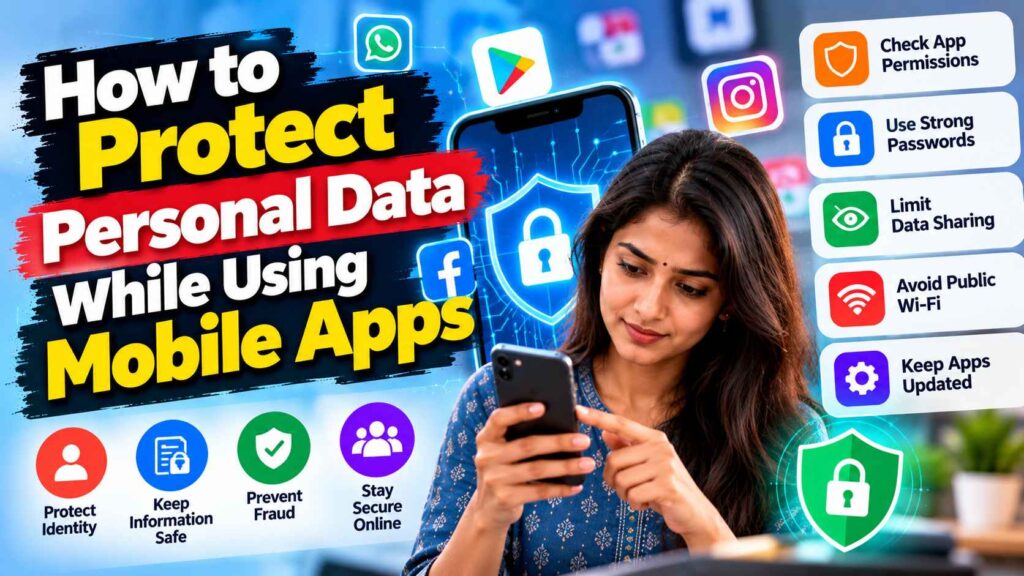
Mobile apps can make banking, shopping, travel and communication easier, but they may also request access to contacts, location, photos or other information. Users should consider whether each permission is needed for the app’s main function and review settings when an app changes.
Key Developments and Context
Privacy is an ongoing process rather than a one-time setup. The safest choice depends on the information involved, the app’s purpose and the consequences if an account is misused.
Review permissions
Check permissions in the phone’s settings and remove access that is not necessary. A map application may need location access while navigating, but continuous access may not be required for every app. Choose limited or one-time access when available.
Check the developer
Install apps from trusted stores and verify the publisher before downloading. Read recent reviews cautiously, because ratings alone cannot establish that an app is safe. Avoid unofficial installation files sent through messages or unfamiliar websites.
Secure accounts
Use unique passwords and multi-factor authentication where available. Keep recovery email addresses and phone numbers current, and be careful with links that imitate login pages. A screen lock adds another layer of protection if a device is lost.
Limit unnecessary sharing
Avoid posting identity documents, tickets, addresses or live travel details publicly. Review privacy controls on social platforms and think about whether a requested data field is genuinely required. Delete accounts or apps that are no longer used when practical.
Respond to suspicious activity
If an app behaves unexpectedly or an account is accessed without permission, revoke sessions, change credentials from a trusted device and contact the relevant provider. Keep evidence of suspicious messages and use official reporting options.
| Area | Key details |
|---|---|
| Topic | How to Protect Personal Data While Using Mobile Apps |
| Focus | app permissions, privacy settings, updates, account security and data sharing |
| Recommended action | Check official information and keep relevant records. |
Readers should use this overview as general information and verify time-sensitive rules, figures or announcements with the responsible official source before making decisions.